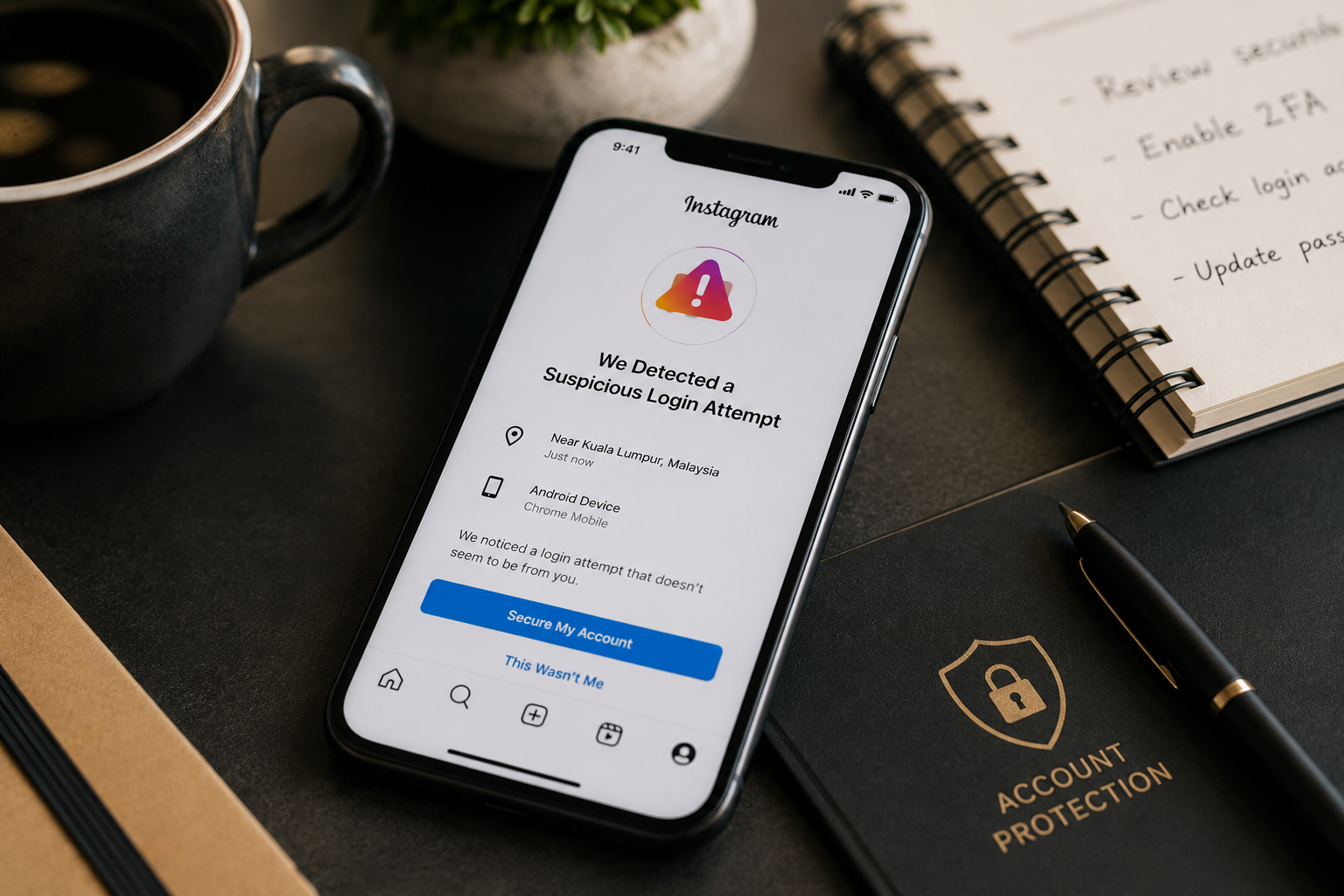
There is nothing worse than seeing a security warning when attempting to log in to your Instagram account. You can get an Instagram suspicious login attempt message out of the blue, which will not let you access your account and will ask you to complete more steps before Instagram lets you continue.
Usually, a suspicious login attempt warning occurs when Instagram identifies that, in many cases, you’re logging in differently. This can occur when changing devices, travelling, updating account information, or using a VPN. Although an Instagram suspicious login alert may be alarming, it may be Instagram’s way of protecting your account from unauthorized login. In some cases, users may also need to explore Instagram account recovery options if they are unable to regain access after completing the required security checks. Knowing the reasons behind these alerts and what to do about them can help get you back in safely and prevent future logon problems.
Instagram has security systems in place to look out for abnormal behavior. If the platform sees the login activity as different from your normal activity, it may request more proof in order to allow access to the account.
Common triggers include:
These checks help to prevent unauthorized access and misuse of accounts by unauthorized individuals
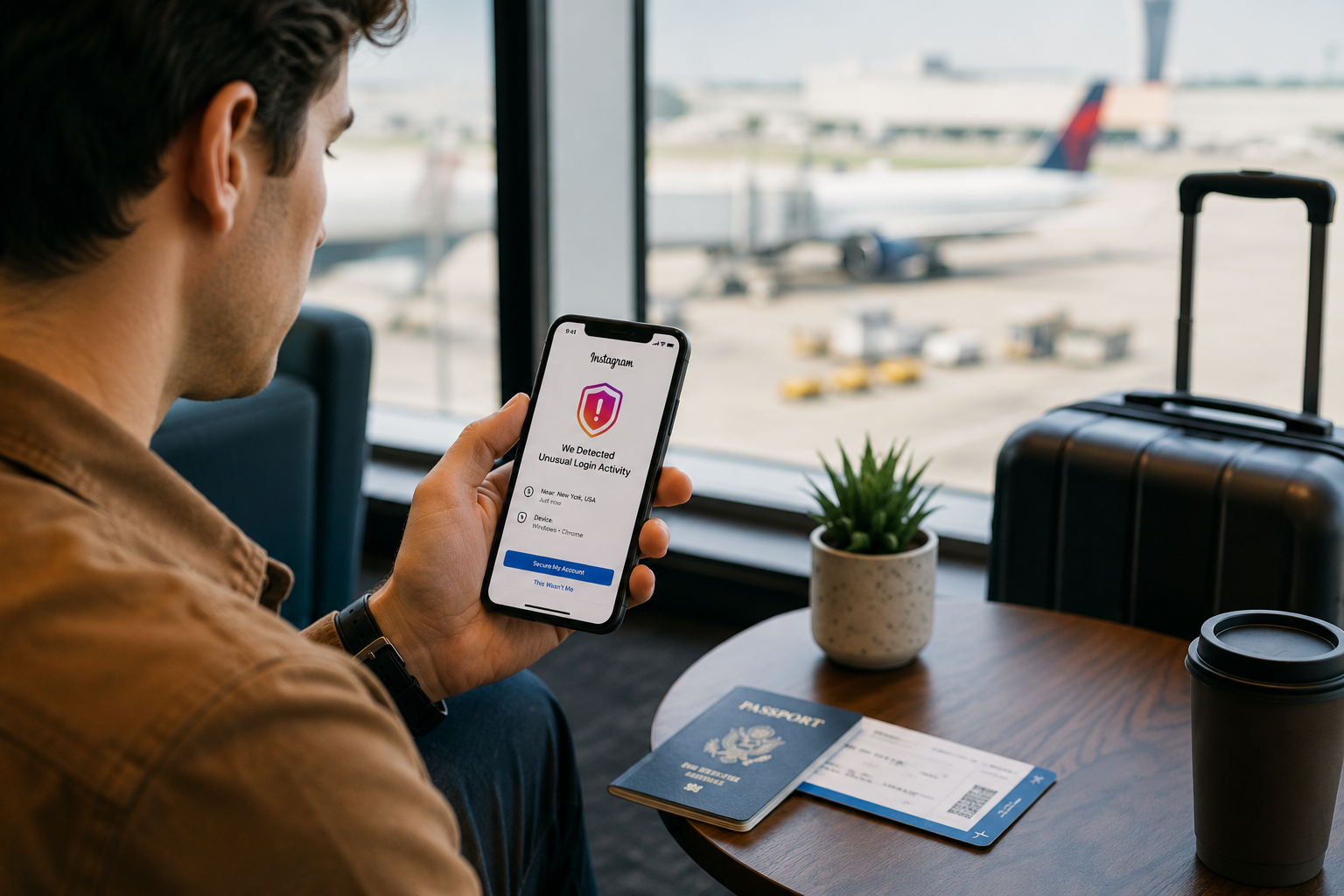
Instagram will occasionally email or text you security codes if it suspects that the account is being accessed from a different or unusual location.
Be sure to have access to:
Old contact details may make verification more challenging.
If possible, try to log in with a device previously used with the account. Instagram may recognize previously used devices and login patterns.
Sometimes, verification emails may go into spam or junk folders. Please search all folders of your email before asking for more than one code.
Sometimes, login activity may be seen as unusual due to the use of a VPN or proxy service. You might be able to reduce verification issues when you log in by temporarily turning off these services.
You may be asked to undergo additional security checks if you have multiple tries in a short amount of time. Waiting before re-verification attempts sometimes helps if the verification attempts continue to fail.
Most users can fix the login warnings by following Instagram’s regular verification procedure. But some scenarios are more complicated.
Examples include:
In these situations, many users begin searching for answers using phrases like "My Instagram Is Hacked", even though the issue may simply be a security verification or account access problem rather than a confirmed compromise. Users might need to look into Instagram account recovery options, where they can recover their account via proper recovery protocols.
It’s particularly vital to maintain access to your recovery email account, this is frequently a critical element of account verification.
Instagram’s security features help to make sure that unauthorized people do not access accounts. Although login warnings can be an annoyance, they can also provide a level of security.
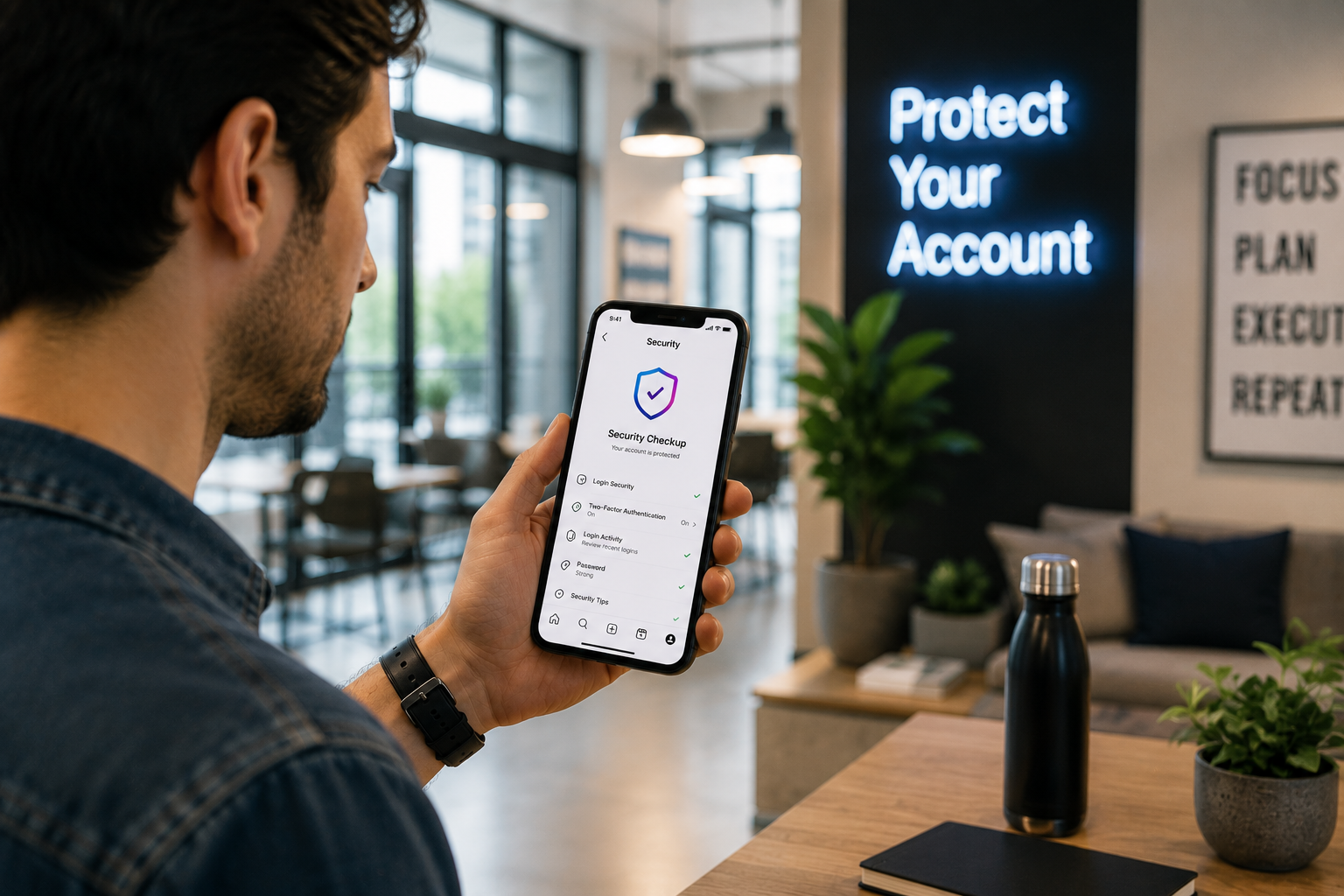
In case you see an unexpected warning, you can check your recent account activity, change your passwords if needed, and review your account security settings to help protect your account.
Instagram’s official Help Centre remains one of the most reliable sources for account security guidance and recovery information.

Some security warnings can’t be prevented, but there are a number of steps that can limit further problems.
Two-factor authentication provides an extra layer of protection for an account and helps to confirm its ownership.
Check your email addresses and phone numbers regularly to keep them up-to-date.
Many Instagram recovery processes rely on access to your email account. To avoid further problems, strong passwords and secure email settings can be used.
Avoiding unnecessary changes to your account and logging on from trusted devices can help minimize the number of unusual activity warnings.
Most login warnings are solved using a normal recovery process. But there are some users who have access issues that persist, meaning extra help is needed.
For those who find themselves facing ongoing account access problems, they might consider other methods for account recovery, particularly when they can no longer use standard verification procedures or when recovery information is not available.
A reputable company providing Social media recovery services can help users get a better understanding of recovery options and account security concerns, even in more complicated scenarios, while they are going through the legitimate recovery process.
Instagram may show this warning when login activity differs from your normal account activity. This could be new devices, places, or other strange activity on your account.
Yes. Although it is possible to alter your location using a VPN, it can also be seen as suspicious by Instagram when logging in.
Look at your spam folder, make sure your recovery information is up to date and wait before requesting multiple codes. Multiple requests could cause further delay.
Depending on the circumstances, the duration ranges. Some warnings can be addressed and fixed immediately after verification; others may require additional recovery steps.
In some cases, there might still be a method to recover your account. Recovery options vary depending on the account and the available verification methods.
An Instagram suspicious login attempt alert does not necessarily indicate that your account has been hacked. In most cases, it’s a protective method used to keep your account secure from unauthorized access.
To maximize your recovery potential and minimize future login problems, you can follow Instagram’s security steps by verifying your recovery information and keeping your account well-protected.
.avif)



.avif)


.png)
.png)
.png)