Only a few Facebook alerts can cause more confusion than the identity verification request. Many users suddenly lose access to certain functions or their entire account after being requested to complete Facebook identity confirmation. The situation can be frustrating, whether it happens during login, after unusual account activity, or while trying to recover your account.
When you’ve just been prompted to confirm your identity on Facebook or received an identity confirmation Facebook invitation, understanding how Facebook account verification works can help you to respond appropriately. Facebook’s identity verification is usually in place to ensure that accounts are secure, serving as a measure to prevent unauthorized access, fraud, spam, phishing, impersonation, and other security-related concerns.
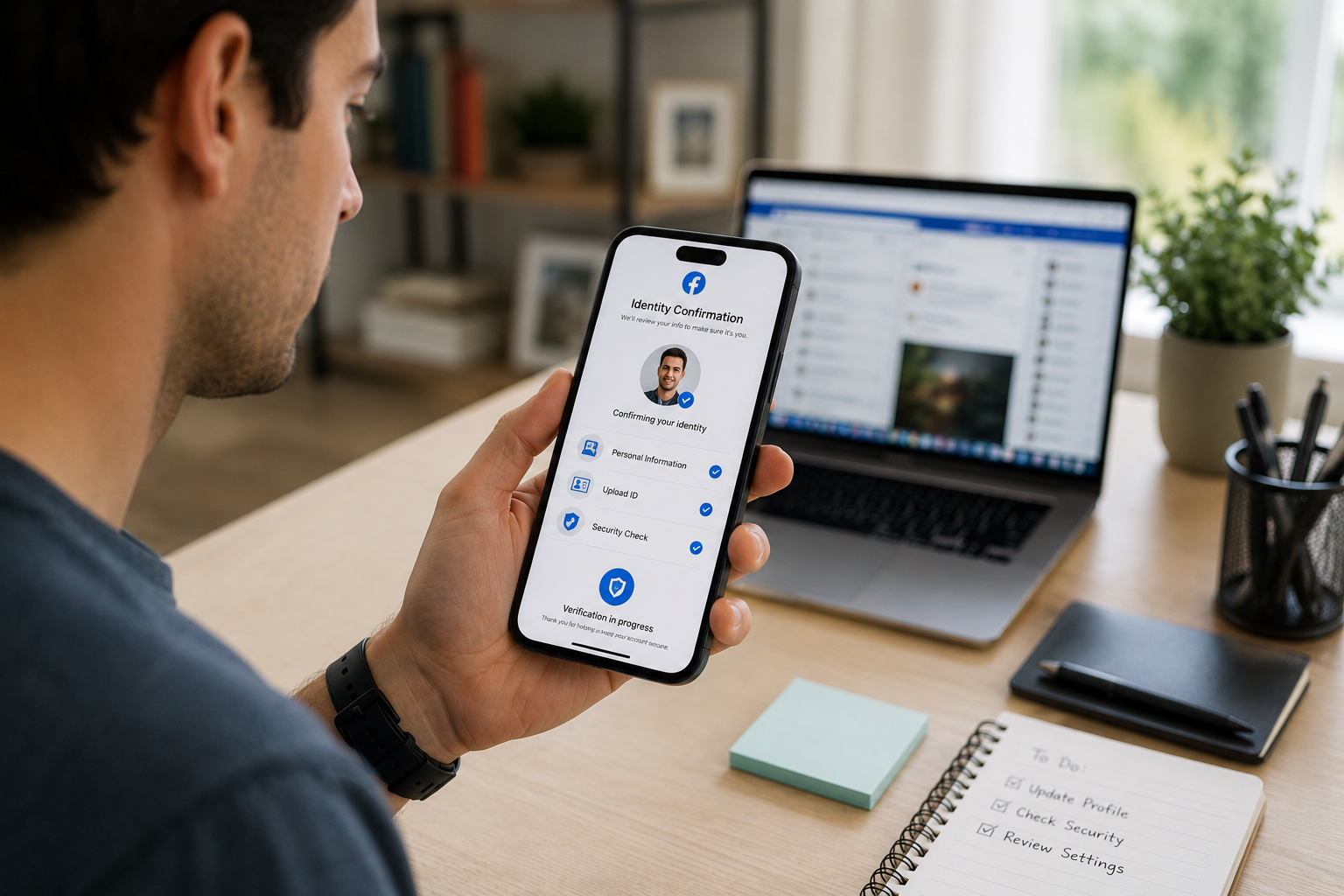
For various security and account-protection reasons, Facebook might ask you to verify your identity.
Common reasons include:
These checks are intended to help ensure that the person accessing the account is the legitimate owner.
Again, each scenario is unique, but there are some situations that are more likely to trigger identity verification.
If Facebook recognizes that it was logged in from a device, browser, or place that it doesn’t recognize, Verification may be needed.
Forgetting a password or losing access to recovery information may lead to identity verification requests when trying to recover access.
Facebook will periodically check accounts when irregular activity is identified. These reviews may include extra verification procedures to prove account ownership.
Verifications are sometimes requested when there are important modifications made to profile information, recovery information, or security settings.
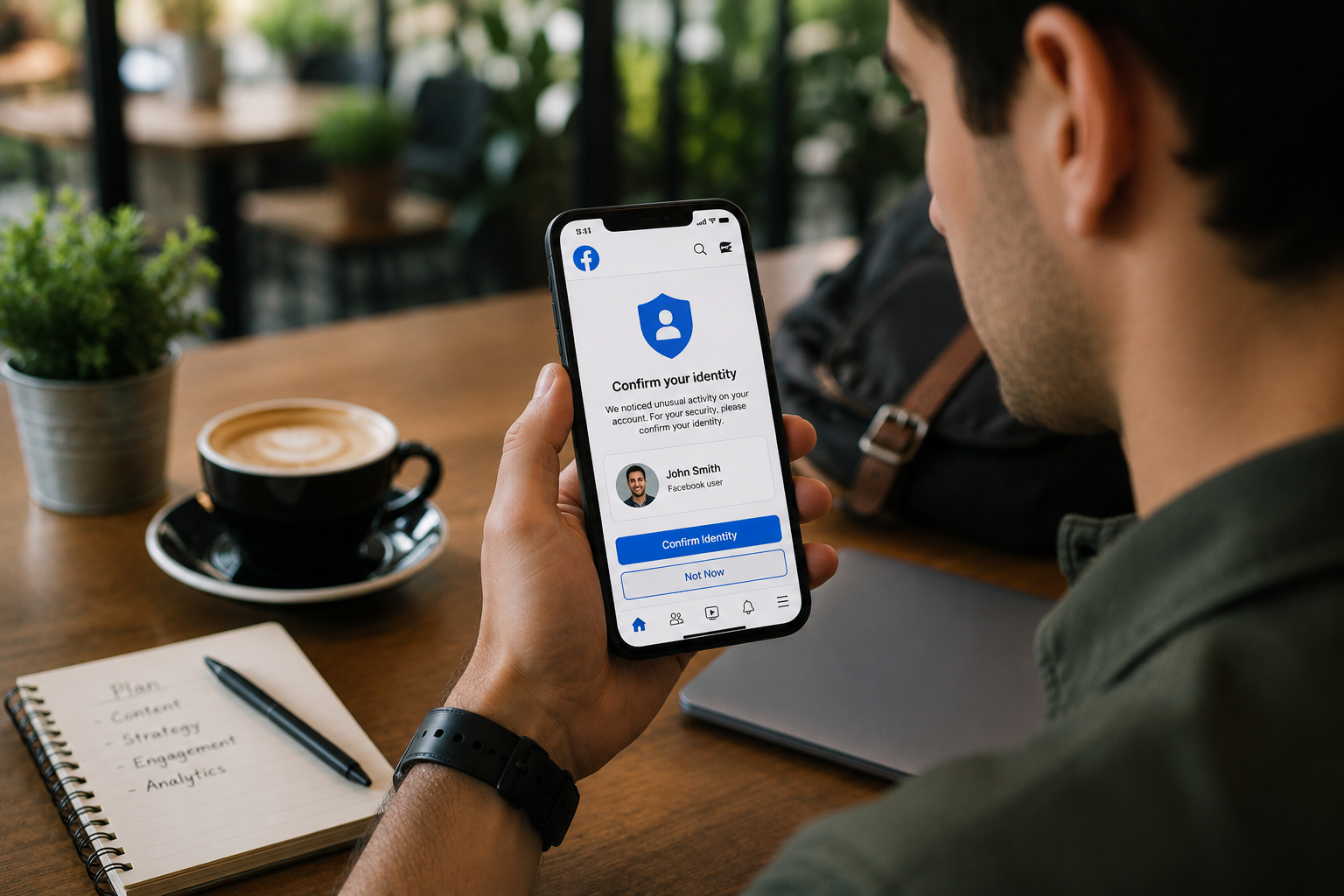
Sometimes, it is important to submit correct information and follow Facebook’s instructions for identity verification to succeed.
Be certain that any request is from Facebook’s official platform or support. Read carefully the instructions given.
When Facebook asks for identification or information about your account, make sure the information is correct and matches your account records.
Fill out account details in the same format every time. Information that is consistent with your account profile, recovery information, and prior activity can assist with the verification process.
Do not follow unofficial advice that leads to bypassing verification procedures. It is best to stick to Facebook’s official instructions.
Many problems with verification happen when users enter incomplete or inconsistent data.
Some common mistakes include:
Re-checking all the information before submission may help to minimize unwarranted delays.
The purpose of identity verification is to safeguard the users as well as the platform.
A user travels, logs in from a new device, or accesses Facebook from an unfamiliar location. This activity could be considered suspicious by Facebook’s security systems and may need further verification before access is granted.
In this way, it helps to prevent unauthorized use of accounts and contributes to the security of the accounts.
Facebook also offers tools like Security Checkup and Two-Factor Authentication, which can help users improve security measures and minimize the chances of further security concerns.
The Meta Help Centre is still the best place to get up-to-date information about account security, verification requests, etc.
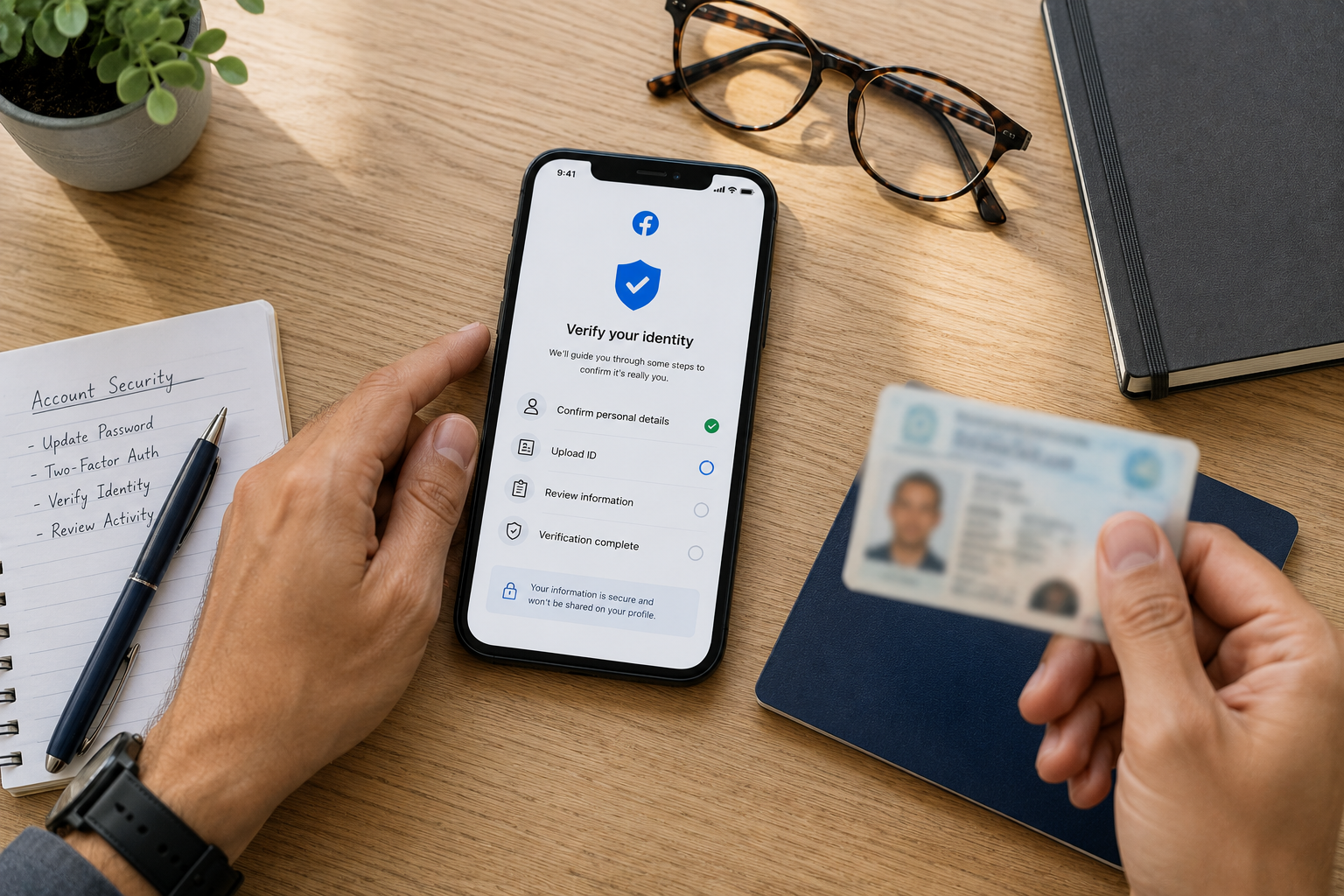
Most verifications of identity can take place through Facebook’s regular verification process. However, some users face problems with the recovery data, not being able to access their accounts, or taking a long time to verify.
During these times, users can review account verification sources to learn more about the alternatives and what is required regarding accounts.
Likewise, users with other types of account access issues may find the right Social media support services to instruct them on proper and legal recovery and account management practices.
All methods must be based on platform policies and focused on protecting your account.
When there is suspicious activity or further Verification is required to establish ownership of an account, Facebook may request identification or other information to help verify account ownership.
Some needs will depend on the individual circumstances. Facebook may request information or documentation to assist it in verifying the account owner's identity.
Processing times may vary depending on the situation and the details obtained during information verification.
Delays can occur as a result of inconsistencies. Users should carefully read the information about their accounts and follow the instructions given by Facebook while submitting verification details.
Successful verification may help restore account access, depending on the circumstances of the account.

When you receive an identity verification request on Facebook, this does not always mean that there is something wrong with your profile. In many instances, this is part of Facebook’s attempt to confirm that the users own the account and will not let other people get access to it.
Users have the opportunity to enhance their likelihood of successful Verification and help bolster long-term account security by adhering to official instructions, submitting accurate information, keeping recovery details up-to-date, and utilizing security features provided.
.avif)



.avif)


.png)
.png)
.png)