Are you overwhelmed managing your Instagram business account? Perhaps your initial goal was to start a page for promoting a brand or service, but the business features feel extraneous now, or perhaps you want a more private, personal experience. Reverting to a personal account can streamline your Instagram experience, decrease analytics clutter and may even make your feed feel more authentic.
With just a few simple steps, this guide will show you how to change Instagram from business to personal. We’ll also discuss related situations like upgrading to a business account down the line, and answer frequent questions that may puzzle users. By the end you’ll walk away with a clear and actionable roadmap to manage your Instagram account type like a pro.
The feature set of an Instagram business account is more sophisticated, enabling you to view analytics, run promotions and add a contact button. These tools are not always required, even though they can be helpful for marketers, small business owners, or influencers. Changing to a personal account can:
According to Instagram’s own Help Center, users can freely switch account types without losing posts or followers, making the transition smooth and low-risk.
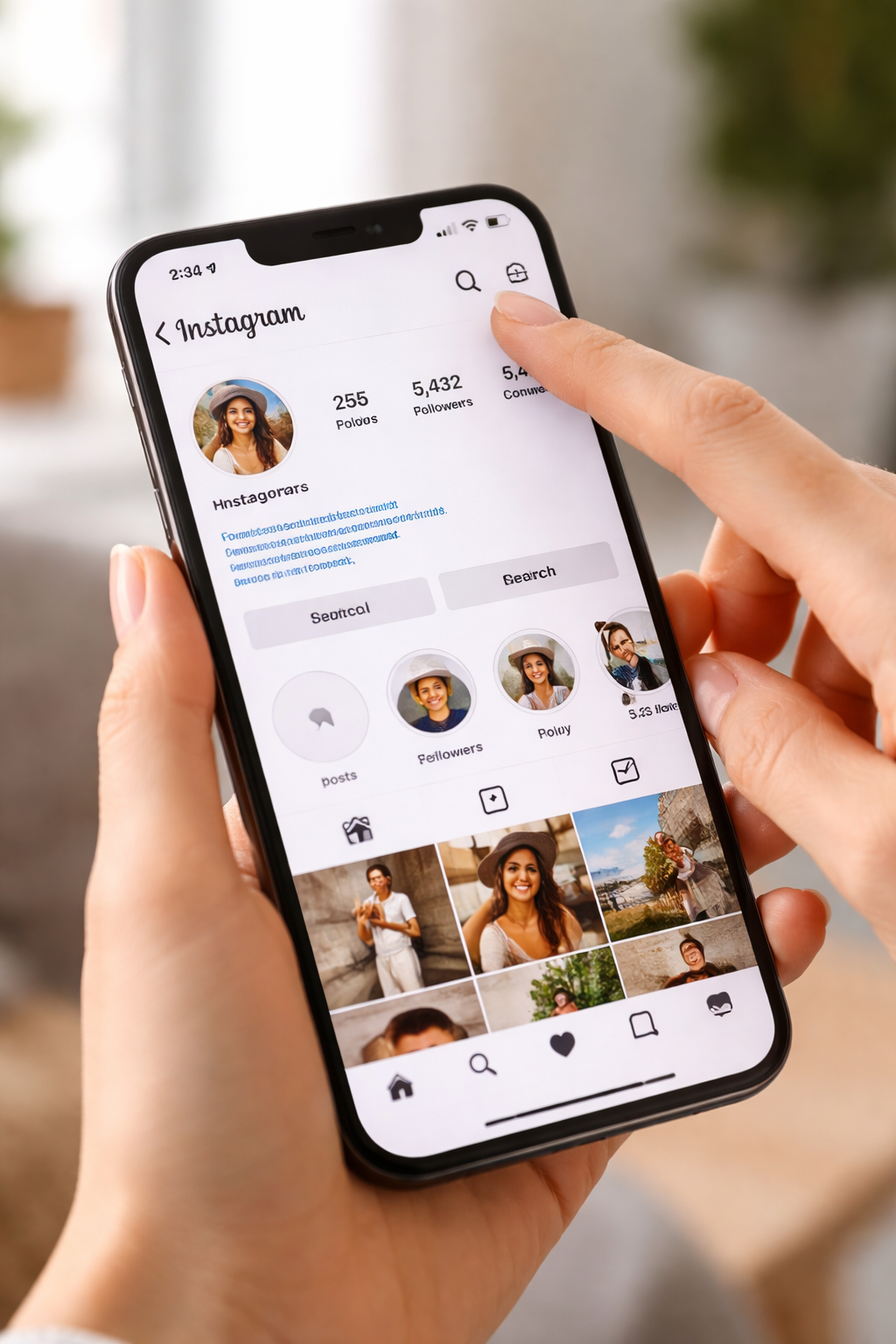
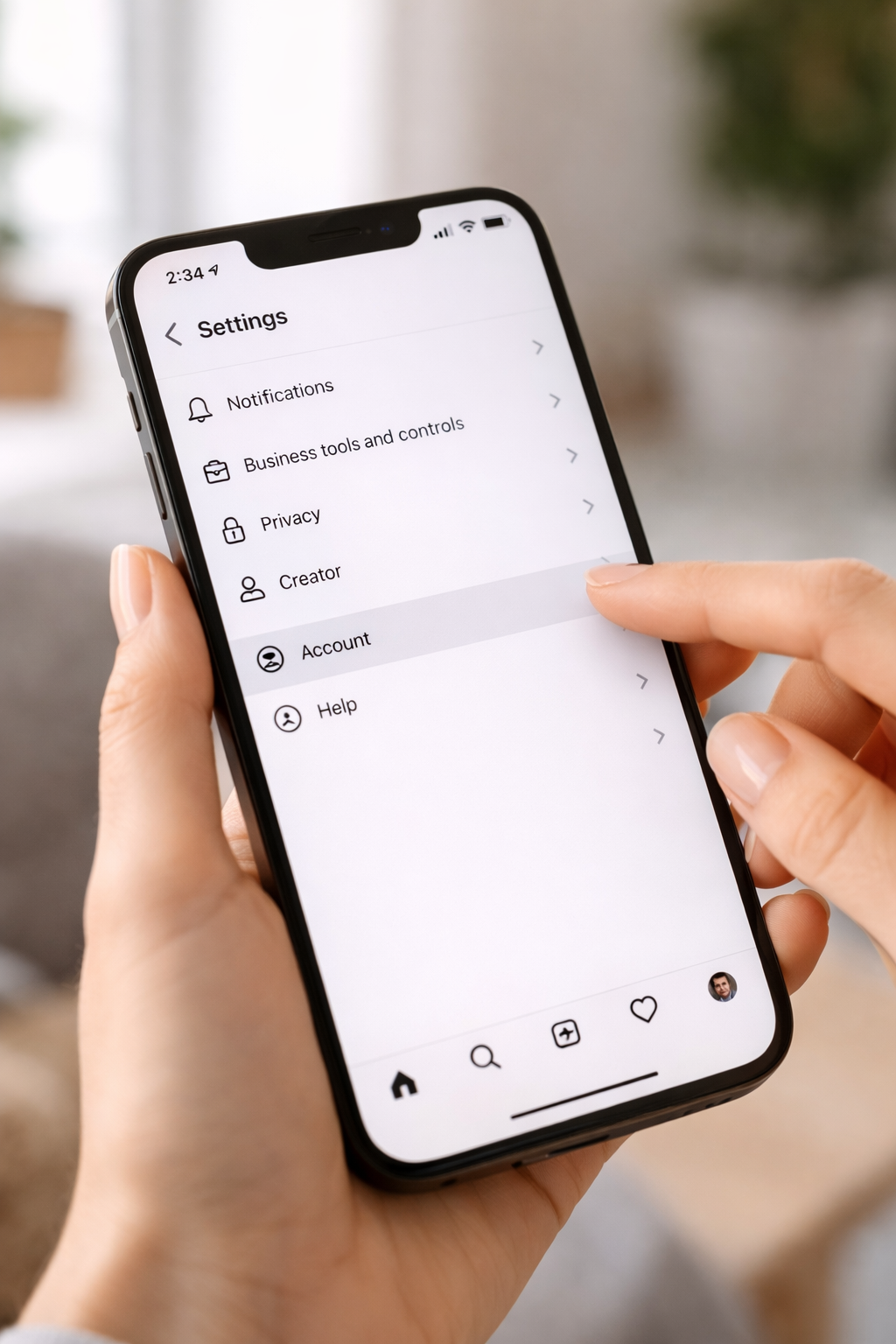
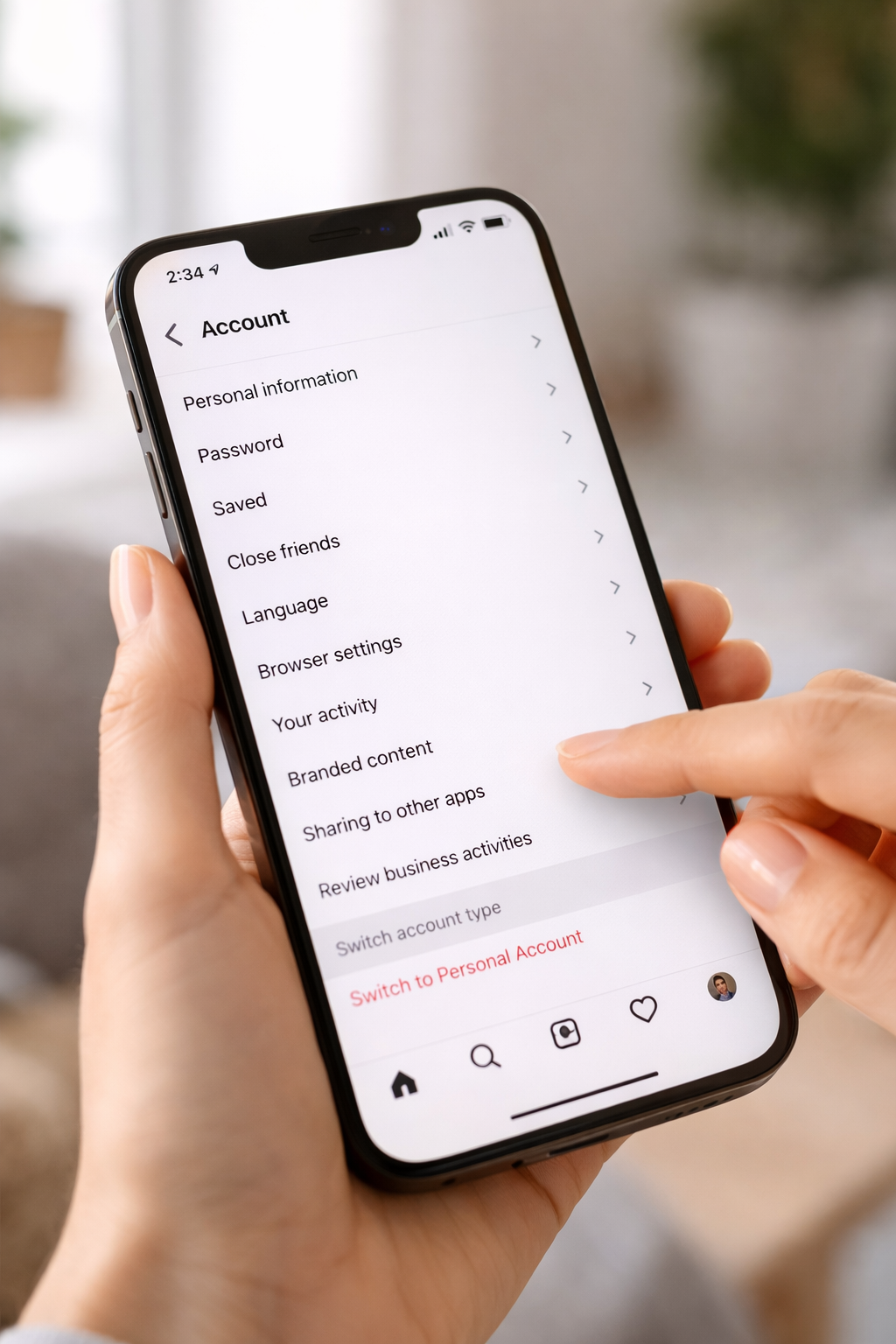
Here’s a step-by-step guide to convert your Instagram account back to a personal profile:
Pro Tip: If you’re managing multiple accounts or run into issues while switching, professional social media support services can guide you smoothly and prevent data or follower loss.
Shifting from business to personal is relatively simple, with a few significant points of note:
Knowing about these factors enables you to manage your switch more strategically, reducing the chance of nasty surprises. And if you do switch, it’s also a good opportunity to proofread your profile; make adjustments to your handle for consistency; or even look out for an Instagram username claim if there is a handle that is more catchy and memorable and personal to you.
For those who want to return back to a business setup later, here’s what you have to do:
This flexibility allows you to switch between account types based on your current goals.
Yes, Instagram lets you convert from an individual account to a business and back at will. Note, going back to personal will lose some features.
No! Your followers are not deleted, and your posts will stay the same. The transition only swaps account features.
Yes, metrics and analytics such as reach, impressions, and profile activity are only for business accounts or creator accounts.
You should click on Settings → Account → Switch Account Type → Switch to Business Account and follow the instructions given on the screen to re-enable business features.
It totally depends on your goals. If you want access to business-oriented features and detailed insights, switching to an Instagram Creator account could be a better option.
Switching your Instagram business account to a personal account is easy, and can greatly improve your overall social media experience. This simple and quick change can also benefit you if you want more privacy, reduce the persistent noise that often comes with a business account, or add some intimacy to the content you share with your followers.
Because Instagram is such an adaptable platform, these profile setups can be simply maintained and adjusted as necessary to create the ideal representation of your true self, or whatever variation thereof you feel like presenting at that time!
.avif)



.avif)


.png)
.png)
.png)
.png)