Getting going on Instagram can be daunting, especially if you’re starting from zero and trying to build an audience for your brand. Many businesses dive in without the proper setup or overlook crucial features, or they come to rely on personal accounts that restrict visibility and insights. The result? Low reach, low engagement, and no clear sense of what’s working.
This guide solves that problem. We’re going to show you how to create a business Instagram account in easy-to-follow, step-by-step instructions, so you can access analytics, boost your posts with ads, and ensure that when people find your brand, they’ll know it’s legitimate from day one. It doesn’t matter if you’re a startup, small local business, or mid-sized brand with growth aspirations; this guide will help you set things up properly, without confusion and without needing to spend more time than is necessary.
A business Instagram account has been created specifically for brands, creators and companies who want to access more advanced tools, grow an audience, drive quality advertising performance and reach more potential customers on Instagram. Instead of providing a personal profile, it provides professional tools and forms to help you market and sell.
A business profile allows you to access detailed audience insights, as well as the ability to add contact buttons, run ads and connect your account to Meta’s advertising ecosystem. Research suggests that there are more than 200 million businesses on Instagram using the platform on a daily basis for making connections with potential customers , which highlights the importance of this platform as one of the most influential tools for brand visibility and engagement.
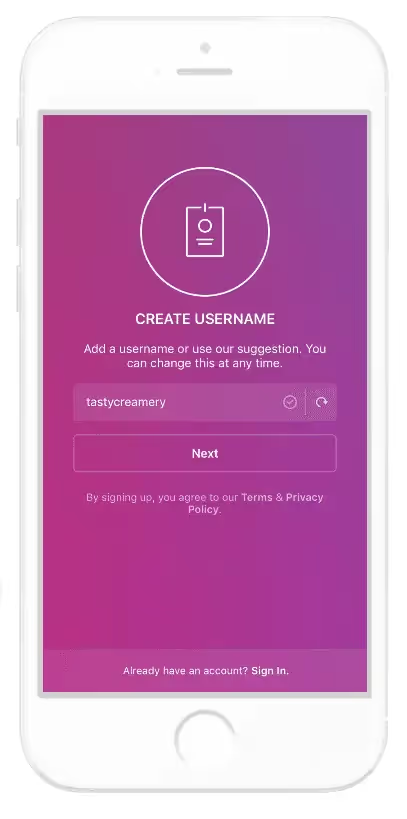
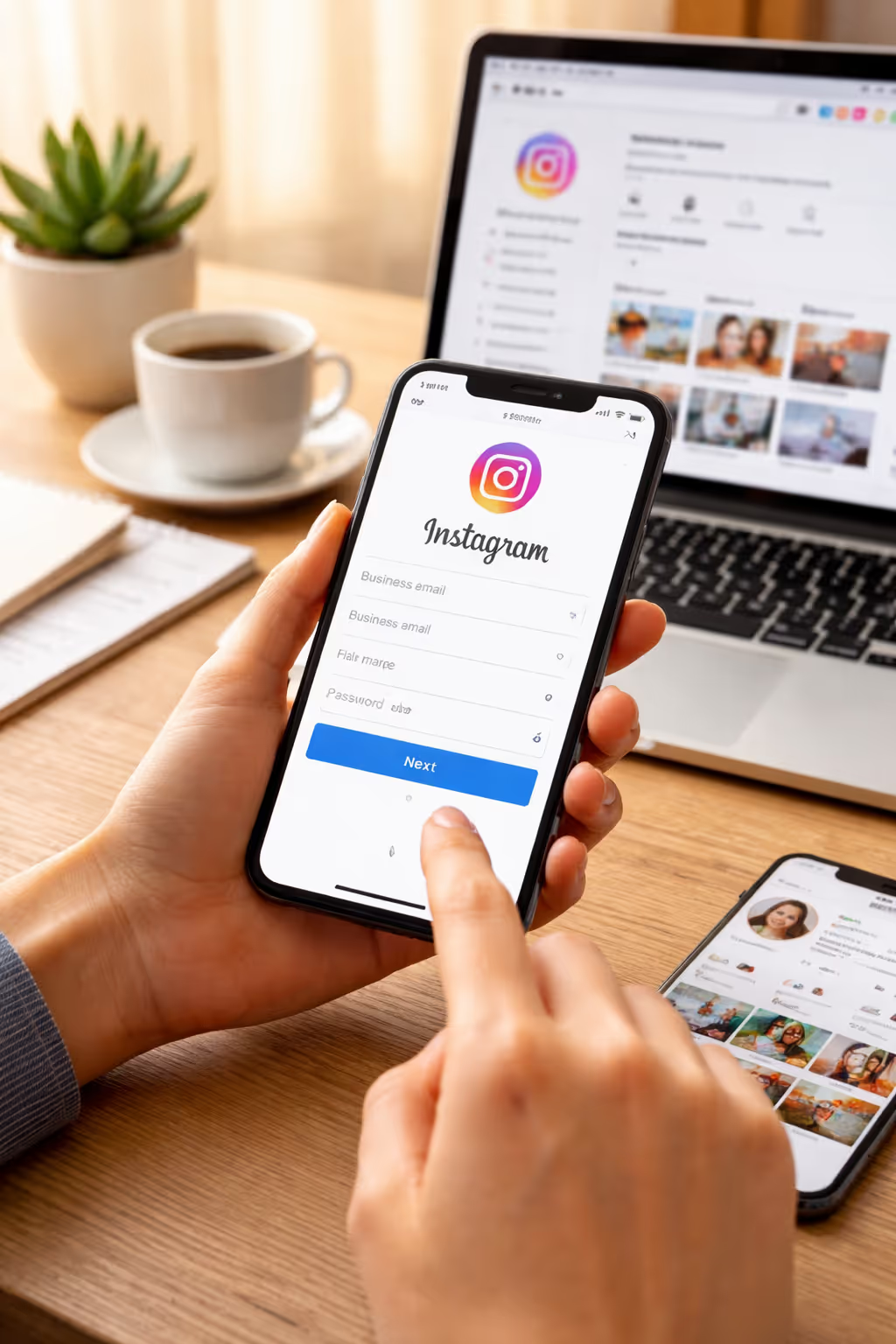
If you’re new, download the Instagram app and sign up with a business email. This is the easiest way to create new Instagram business account that won’t be used personally.
If you already have a personal profile, you can convert it to a professional account in just a few taps. This is a good option if you’ve already built an audience and wish to preserve it.
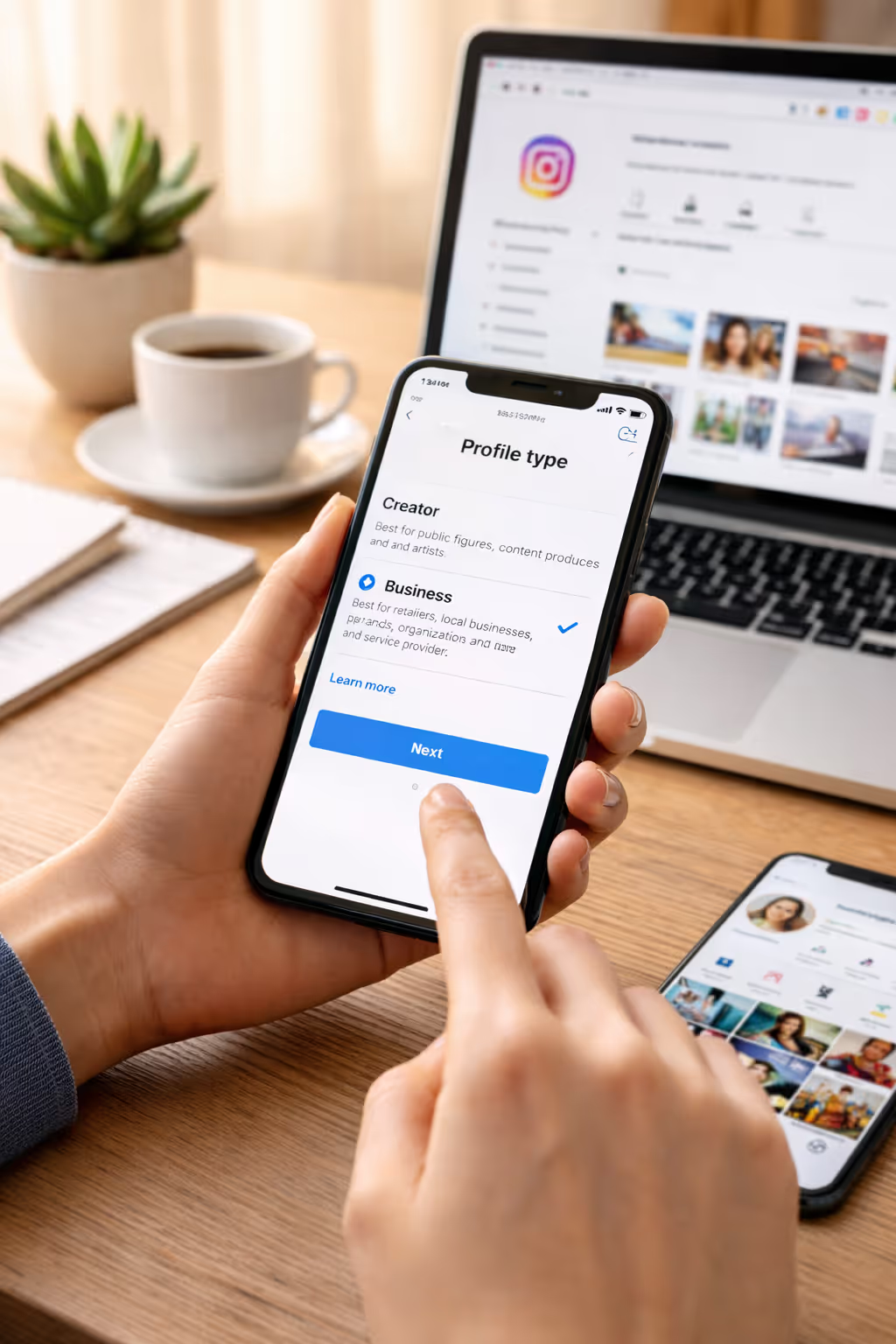
Opt for “Business” instead of “Creator” when you are prompted. Between the two: This is a good option for businesses, service providers and for e-commerce brands. If you’re asking how to make a business account on Instagram, this is a selection that, once made, provides you with ads, analytics, and contact options.
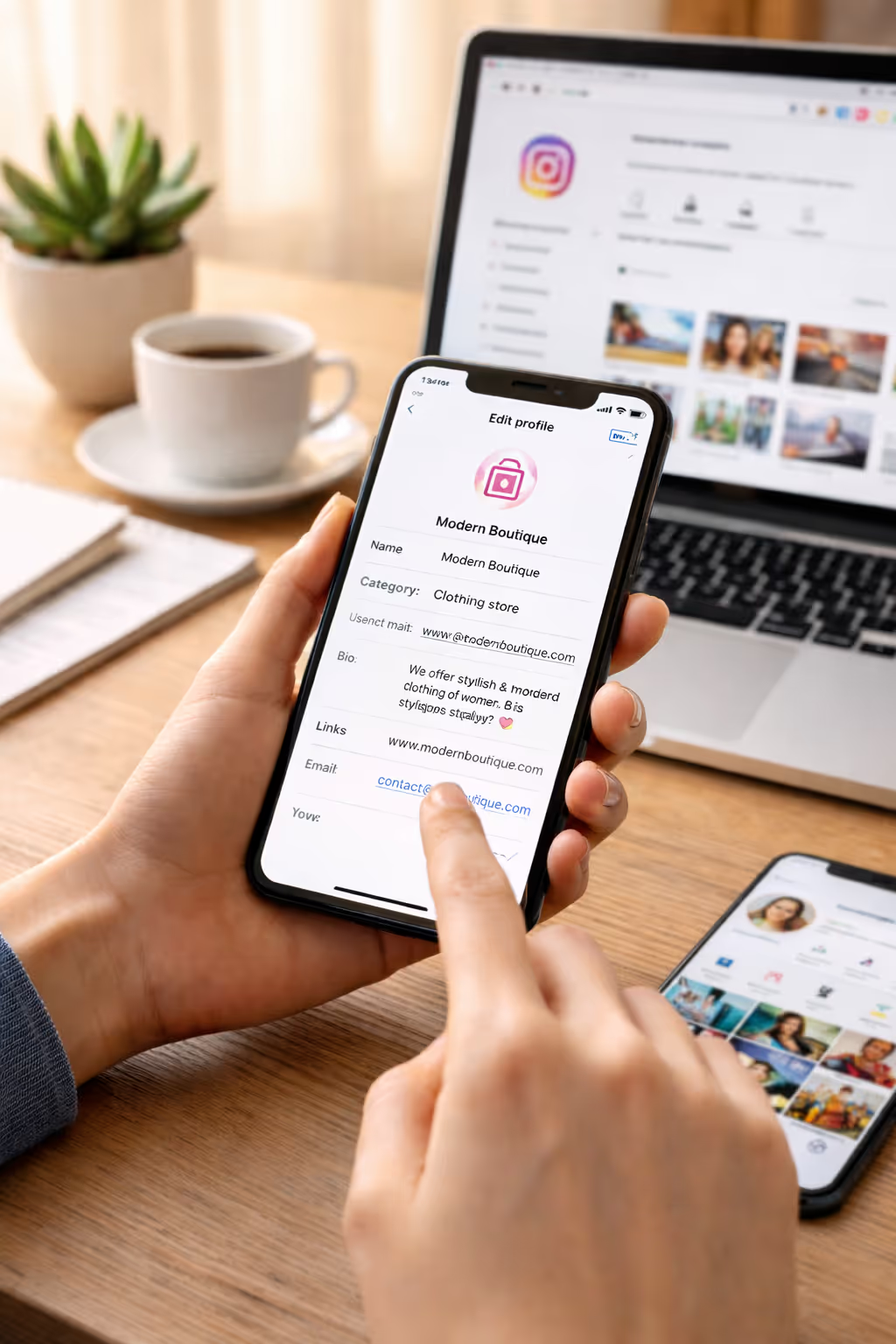
Your profile is your resume. Use a clean logo as your profile picture, write a short-and-professional bio that describes what you do, and include a link to your website or landing page. This step is critical when learning how to create a professional Instagram account that builds trust instantly.
Best practice: Select your niche-related keywords and incorporate them naturally into your bio to increase your profile's visibility.
To accomplish this task, you will have to follow these simple steps: visit Settings → Business → Connect Facebook Page. Once Instagram is linked to Facebook, you can gain access to extra tools such as Ads Manager and Commerce Manager.
This step answers a common question: how to connect Instagram to Facebook business page. Once linked, you can manage ads, messages, and insights across both platforms seamlessly. According to Hootsuite, businesses that integrate Instagram with Facebook Ads see up to 23% better ad performance due to improved targeting and data sharing.
Instagram Insights provides you with valuable information regarding the content that has the highest performance, when your followers are most active and how users discover your profile. Principles such as decisions driven by data lead to sustained growth.
Business profiles have buttons for email, phone and location. These are where you can remove friction and bring those potential customers directly to you.
Posting consistently (3-5 times a week) with Reels & carousel posts focus tends to get higher engagement,” says the experts. According to Later, Reels generate 22% more engagement than standard video posts for businesses.

A lot of people just make it real quick through all the setup and processing. Don’t use a poor-quality image with an unfinished bio and inconsistent branding. And be sure not to skip security protections; consider adding a level of protection with two-factor authentication to secure your account from unauthorized access.
If you find yourself locked out, just remember that professional services such as instagram account recovery can help restore your profile safely.
Choose a username that matches your brand name and is easy to remember. If your desired handle is taken, services like Instagram username claim can assist in securing the right identity for your business.
Social media strategists suggest matching Instagram goals with overall marketing targets. Leverage scheduling tools such as Meta Business Suite or Later, abide by FTC disclosure guidelines for branded content and keep up-to-date with Instagram’s best practices to keep account health and credibility.
Download Instagram and log in or sign up if you have an existing account. Head to Settings → Account → Switch to Professional, select Business, link your Facebook page, input business details and finish up with profile setup.
It's free to sign up for a business profile and keep your account updated. You pay only if you decide to run ads.
Yes, you can change your personal or business account on Instagram anytime in settings.
Not necessarily, but linking one opens up advanced ad and analytics tools that aid in building an audience.
Business accounts are tailored for brands and companies, whereas creator accounts lean more in favor of the influencers or content creators.
Figuring out how to create an Instagram business account from scratch is your very first step in developing a strong social media presence. With the right strategy, perfect profile, and accurate tools to use, you can go viral on Instagram in no time.
Get in touch with experienced social media professionals to help you save time and avoid expensive mistakes and pitfalls if you're looking to safeguard, grow or regain your Instagram presence. Begin well and keep the ball rolling, as your brand continues to build with confidence.
.avif)



.avif)


.avif)
.png)
.png)
.png)