Loss of access to your page will immediately sever your customers, content and ad campaigns. In case you are attempting to recover Facebook business page, it is imperative to know what has occurred and take the appropriate recovery measures immediately.
In most situations, the problems of access are brought about by hacked profiles, removal by admins or violations of the platform. This guide will be a step-by-step guide on how to recover Facebook business page, what to anticipate in the process and how to prevent such problems in the future.
Understanding why access was lost is the first step to regain access to Facebook business page control. Facebook Business Pages are tied directly to your personal profile and Meta’s security layers. A single mistake or breach can result in complete loss of admin rights.
In most cases, the issue begins with a compromised personal Facebook account. Since your profile controls the page, if it's hacked, the attacker can remove you as an admin, change page settings, or lock you out entirely. Before you can do anything, you must first secure your profile using the official Facebook account recovery process.
If you accidentally remove yourself as the only admin, or if an employee modifies page roles incorrectly, you’ll be locked out. When no admin remains, Facebook cannot recognize who owns the page. This often happens during team transitions or agency changes, where someone else was temporarily added. The page still exists, but you lose control completely.
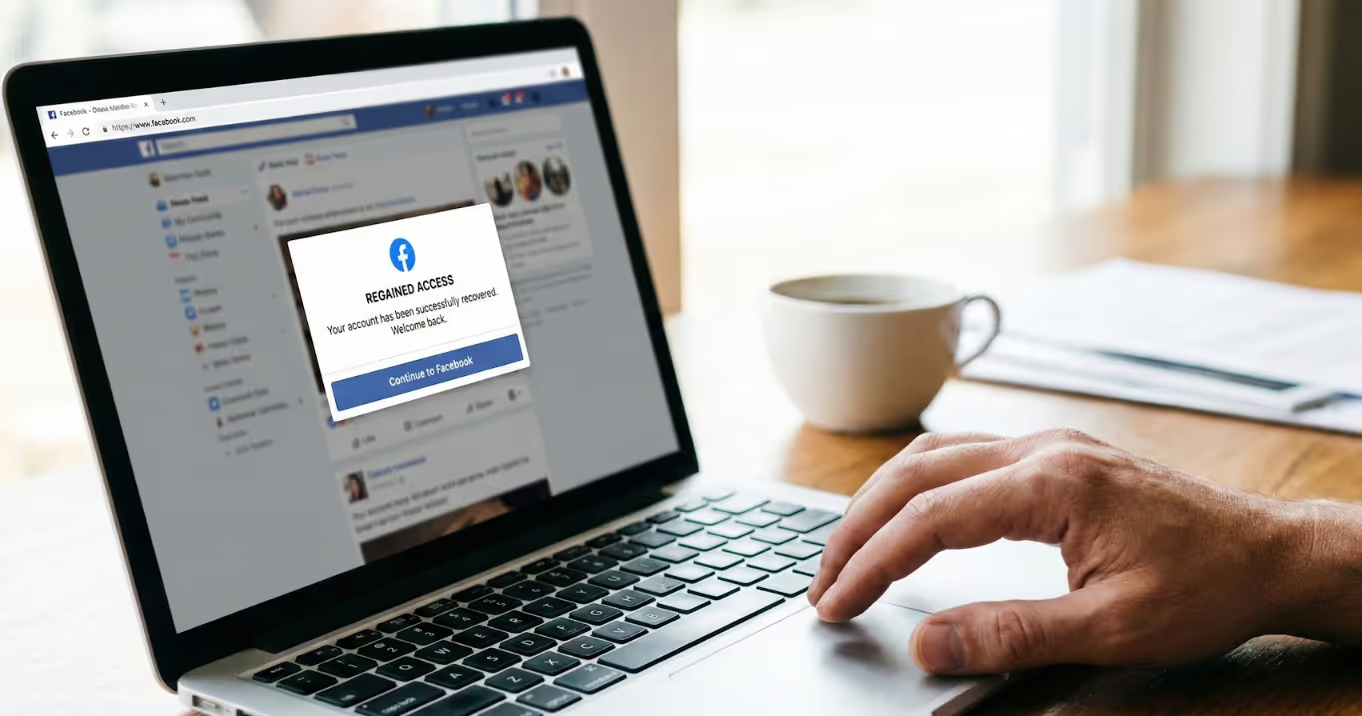
Once you understand the cause, the next step is learning how to recover Facebook business page control using the tools Facebook provides. The sooner you act, the higher your chances of full recovery.
Your business page might still be visible inside Meta Business Suite or Business Manager, even if it’s missing on Facebook. This is the first place to look:
This method only works if your personal profile still has some connection to the page.
If there’s another person listed as admin on the page, even a team member, ex-employee, or agency, contact them immediately. A second admin can:
Tip: Don’t rely on Editor or Moderator roles. You need Admin access to fully control the page.
If you're the only rightful owner and have no admin access, you’ll need to submit an official admin rights request through Facebook’s business help tools. Be ready to provide:
Go to facebook.com/business/help and search for “admin rights request.” Facebook usually responds within 3 to 7 business days, but delays are possible.
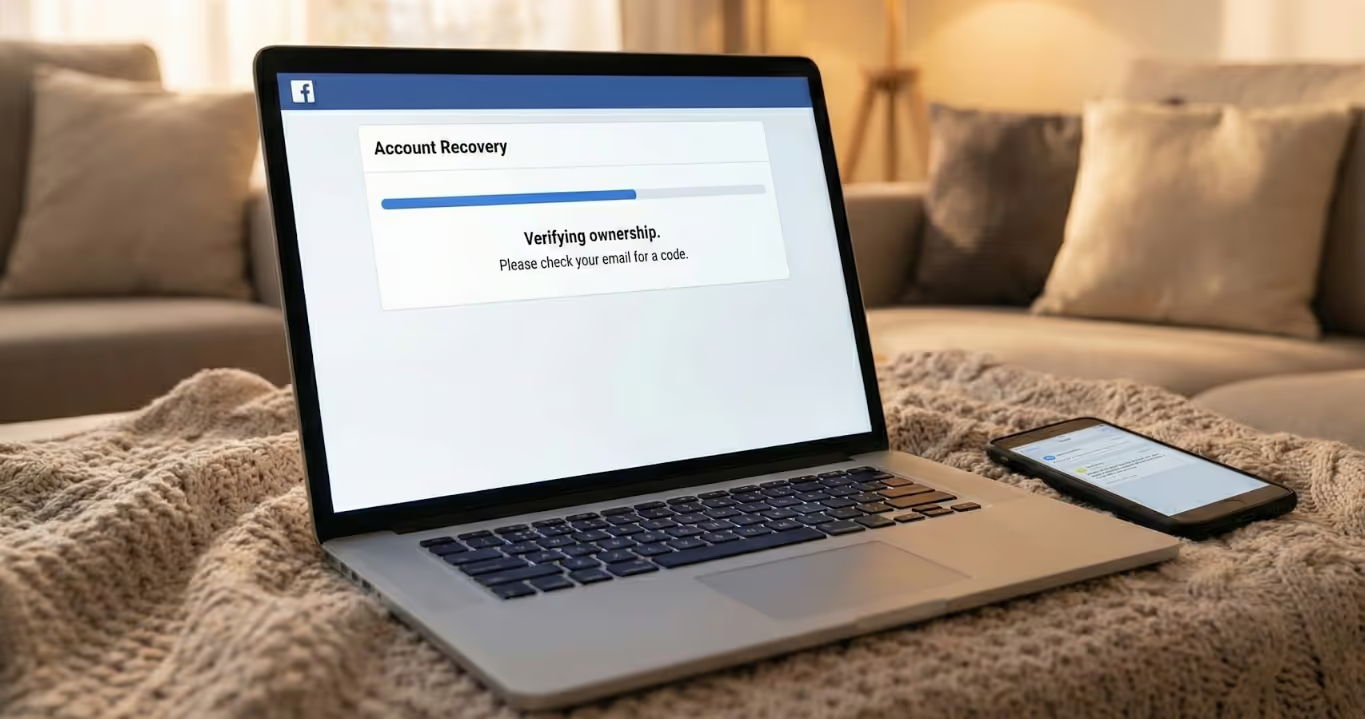
If your business page was taken over due to a hacked Facebook account, the first thing you need to do is regain control of your personal profile. You can’t start the page recovery process unless your profile is secure and verified.
Before asking how to get my Facebook business page back, make sure no one else still has access to your Facebook profile. Here's how to lock it down:
This step is non-negotiable. If your account is still compromised, any attempts to recover the page can be undone by the attacker.
Once your personal account is secure, report the business page directly to Facebook:
This starts an internal review where Facebook attempts to verify who the rightful admin is.
Even while Facebook reviews your case, you should track activity on your page (if it’s still public). Look for:
If any of these are visible, take screenshots. They help strengthen your case when Facebook reviews your recovery request.

Knowing how to recover a deleted Facebook business page depends on what triggered the deletion, manual action or Facebook’s own enforcement system.
If you or another admin deleted the page, you have a short window to undo it. Facebook gives you 14 days to cancel the deletion. During this period, the page is deactivated but not yet erased.
You must log in with the same account, go to Settings > Your Facebook Information > Pages, and select Cancel Deletion. After 14 days, the page is permanently removed, and standard recovery is no longer possible.
When Facebook removes a page, it’s usually tied to a policy violation, such as impersonation, spam, or misuse of the name or content. In these cases, you’ll need to submit an appeal through the Meta Business Help Center.
The process includes verifying your identity, uploading business documents, and explaining the situation.
Sometimes the page won’t appear in your settings, and you won’t see a delete reversal or appeal button. If that happens, your best move is to contact Meta support manually. Use any linked assets, such as your ad account ID or billing history, to prove ownership.
Losing access once is enough. Here’s how to avoid it happening again by protecting your page and admin roles.
Tip
Why It Matters
Add Multiple Admins
If one admin loses access, another can restore control instantly.
Turn On Two-Factor Authentication (2FA)
Adds an extra layer of security to block unauthorized logins.
Avoid Using Employee Accounts
Staff members may leave or get hacked, always use verified business owners.
Keep Business Documents Updated
Quick access to licenses, tax IDs, or invoices helps during verification.
Monitor for Suspicious Page Activity
Catch unwanted edits, deleted posts, or role changes before it’s too late.
If you’ve lost access, the most important step is acting fast. Every delay reduces the chance to recover Facebook business page control, especially if the page was deleted, hacked, or flagged.
Follow Facebook’s official recovery paths, secure your account, and always keep admin access protected with 2FA and backups. Prevention is just as important as recovery.
Only if you can prove ownership through documents and request admin rights through Facebook’s help center. Otherwise, recovery is unlikely.
Most users receive a response in 3–7 business days. Complex cases may take longer, especially if additional verification is needed.
Yes. If the page is successfully recovered, all content and followers typically return intact.
No, Facebook doesn’t offer direct phone support. All recovery requests must go through Meta’s online help tools.
.avif)



.avif)


.avif)
.png)
.png)
.png)