If you’ve ever been locked out of Facebook, you’ll know how stressful it feels. If you use it for work or income, then it also comes with a side of panic.
“What if I’m locked out of my Facebook account for days / weeks / forever?”
First things first, cool your jets.
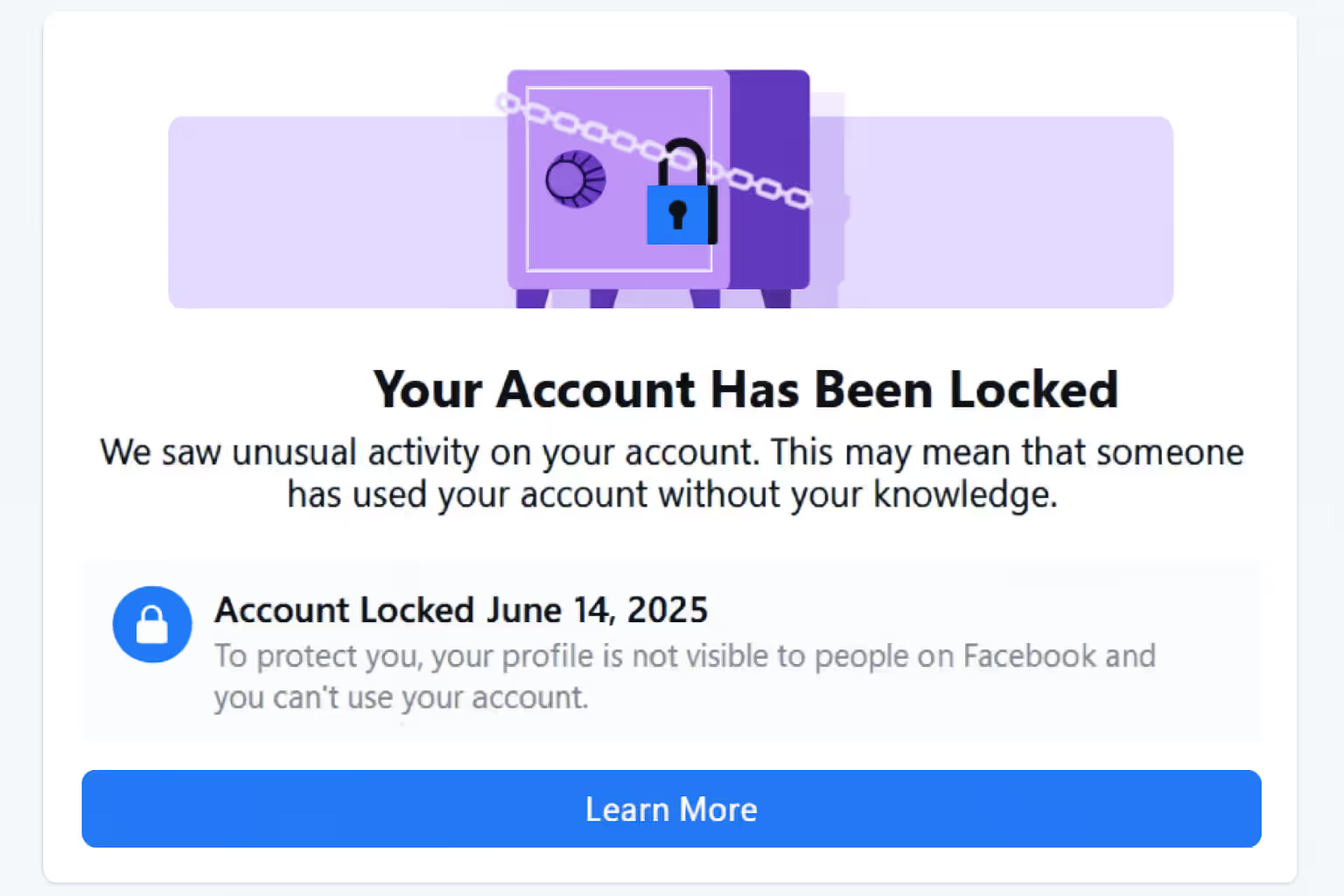
People get locked out of their Facebook accounts all the time, for many reasons. Sometimes they’ll lock an account after detecting unusual activity, a location change, repeated wrong codes inputted during login, VPN mismatches, or suspected hacking.
So, it’s probably nothing to worry about. In all likelihood, you’ll have your account back up and running within a couple of hours.
Simply work through the eight steps below to restore your Facebook locked account. 90%+ of the time, these will work, and you’ll be back posting on the platform in no time.
(Even on the rare occasions these steps don’t work, we’ve got other ways to unlock your Facebook account, so don’t worry!)
Follow the 8 tested steps below to unlock your profile and regain access as quickly as possible.
Let’s say you usually log in from Philadelphia in the USA. If you go for a vacation in India or Brazil and log in from there, then Facebook’s automated monitoring might flag your account. From their perspective, it looks like someone else might be trying to break into your account and they’ll automatically lock it.
If you’re connected to the internet through a Virtual Private Network (VPN), it looks suspicious, too and could lock you out.
The reason this happens is that Facebook isn’t checking who is using the phone, and it only sees the IP address.
Lockouts can even happen if you connect to public WiFi, such as a coworking space. If hundreds of people use that network and some have triggered security flags before, then the whole IP range looks suspect.
Luckily, if it’s a VPN issue, there’s an easy way around it.
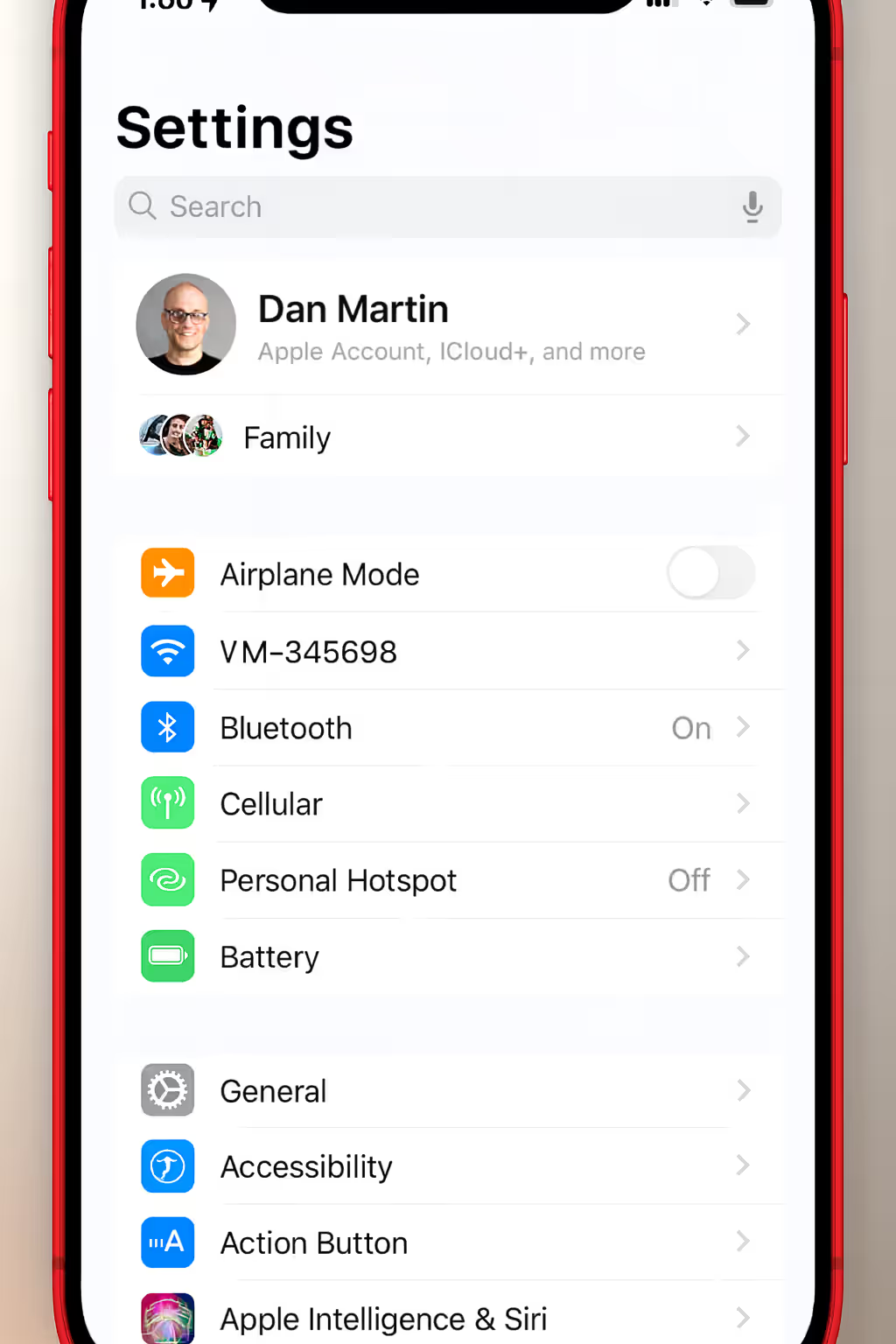
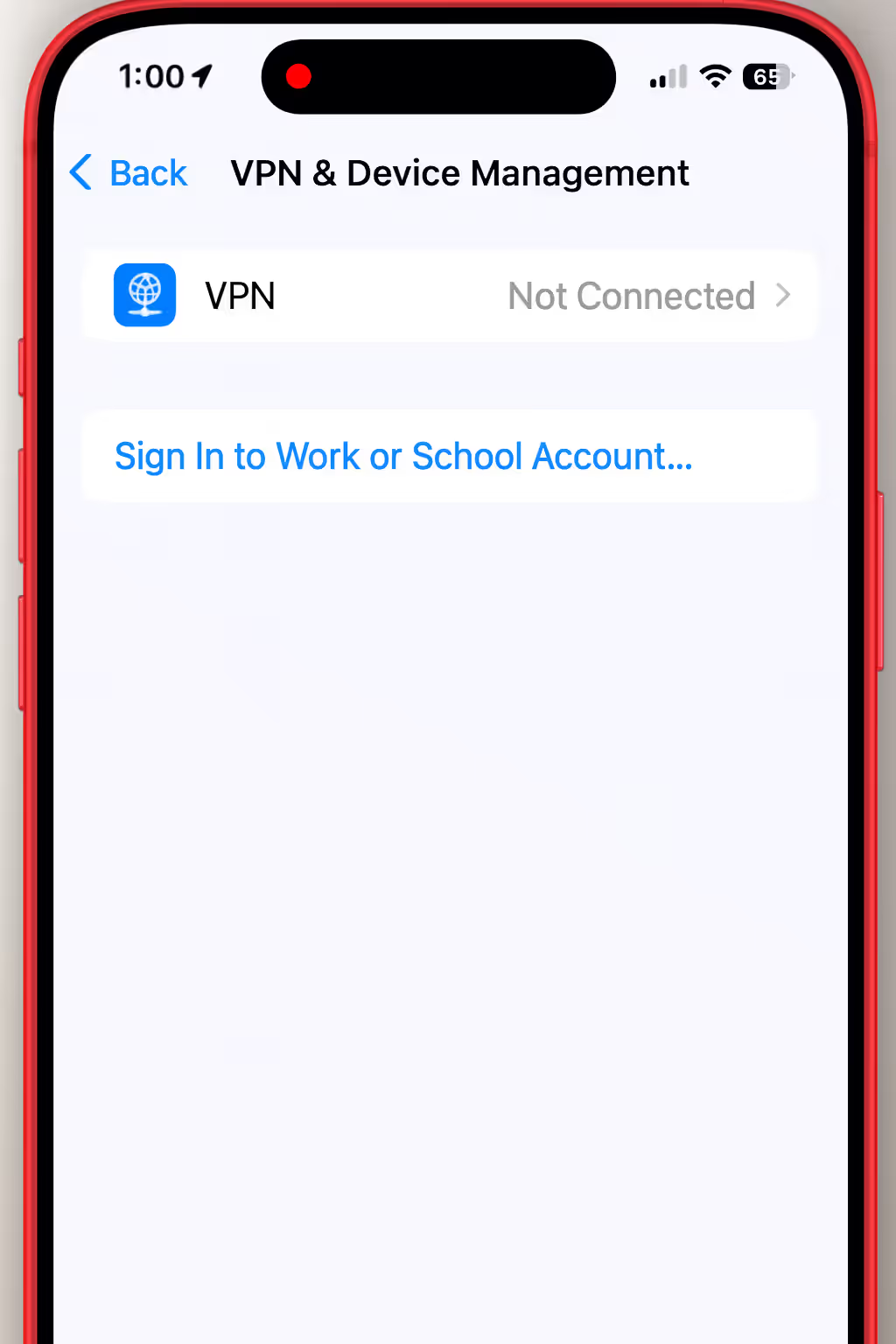
Next, turn off any active VPN connections. If you’ve got old VPN profiles you no longer use, delete them too.
Try logging into Facebook again, and hopefully it’ll work.
If the issue isn’t a VPN, it could be that you’re abroad, using a travel SIM, public WiFi, an app with internal VPN-style routing, or that there’s a mobile network glitch.
If any of those apply, then Facebook will probably ask for an extra layer of verification, which we’ll cover in step two.
If turning off the VPN doesn’t magically fix everything, then the next step is to head to Facebook’s official recovery link:
www.facebook.com/login/identify
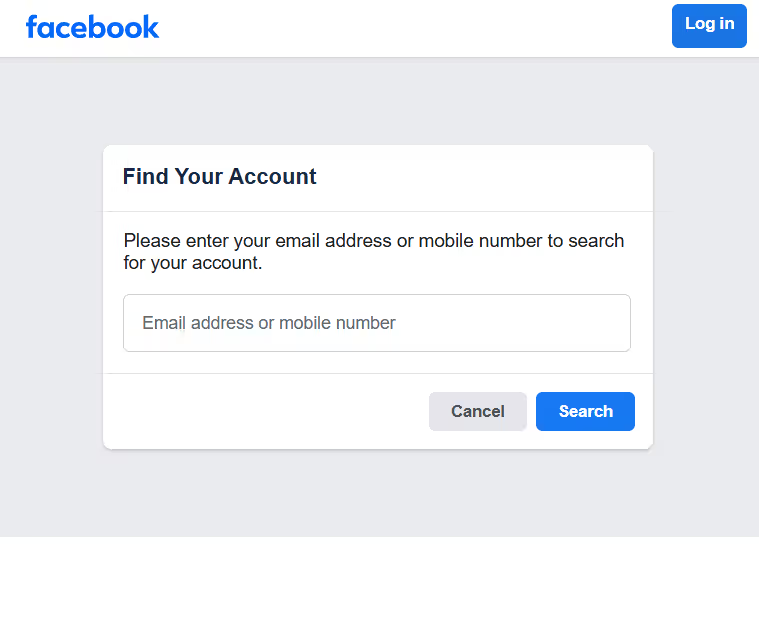
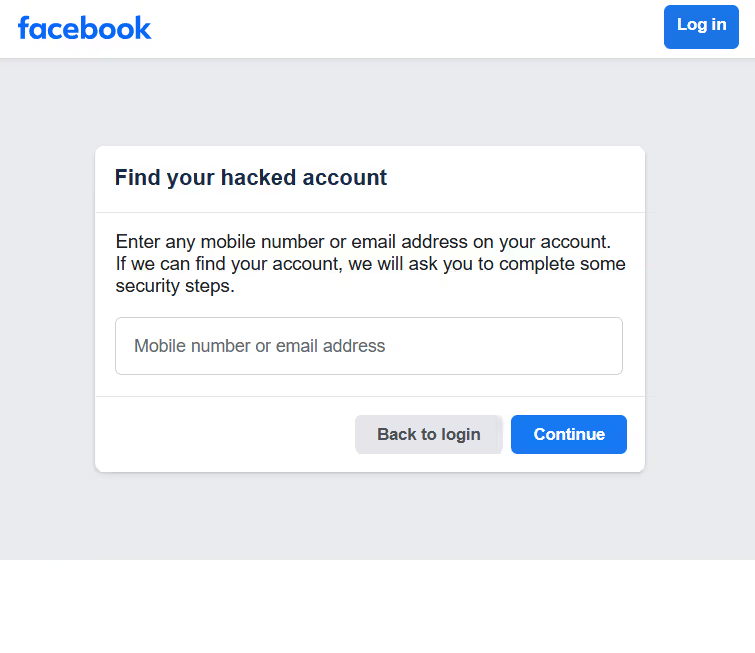
This is Facebook’s internal “Find Your Account” tool. It’s a good place to start when unlocking your Facebook account as it bypasses a lot of the endless support loops that people get stuck in.
When you get there, simply type in your phone number or email and hit continue. You’ll receive a code in your email inbox or phone messages.
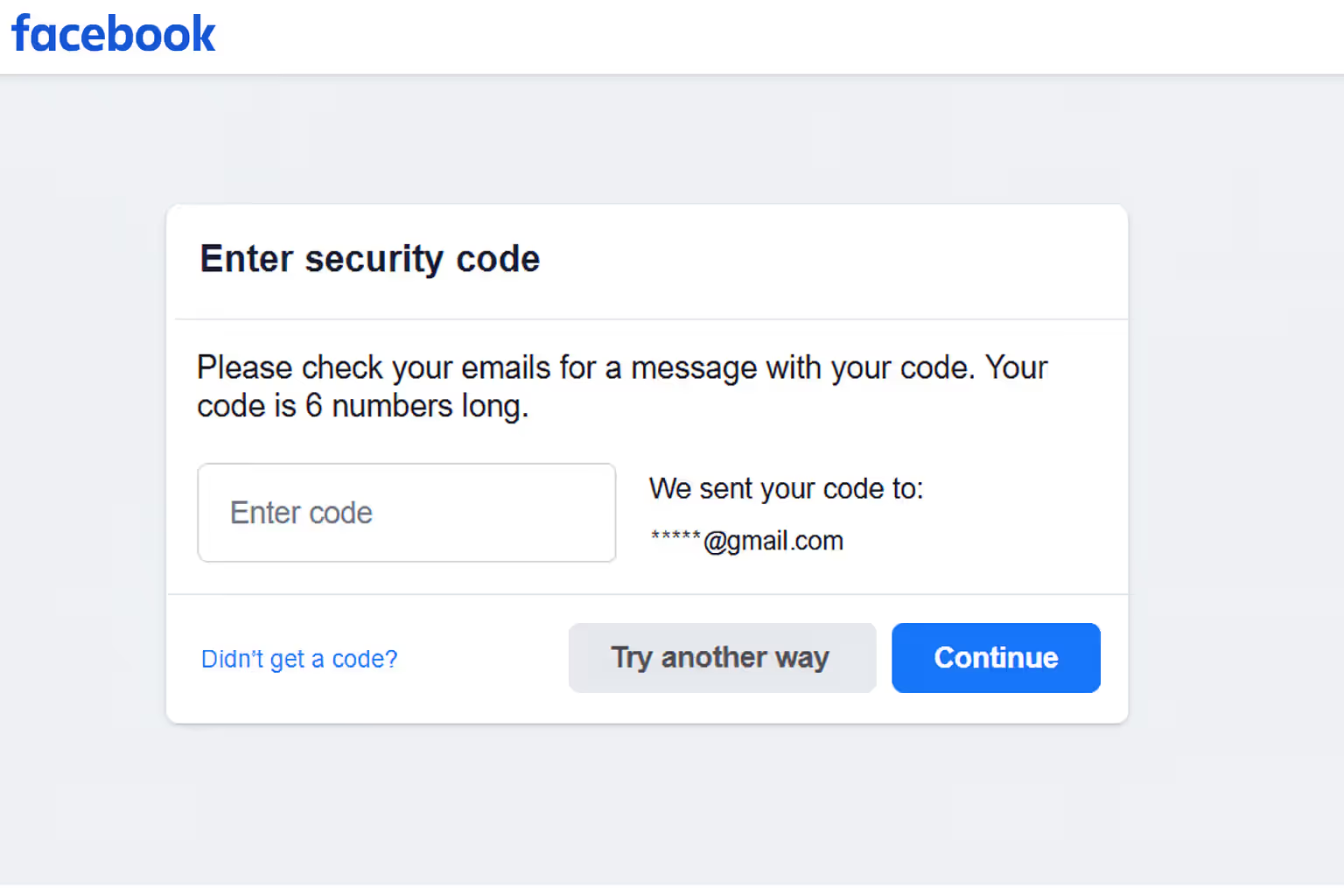
Input the code, and Facebook will show you any accounts linked to the contact details you gave. If you don’t get a code, check your spam folder or phone network connection. If it still doesn’t come through, then click “Get another code”, but don’t do this too often, as you might get frozen out for 24 hours.
If you get in and it shows the wrong account (or nothing at all), don’t worry too much. This happens often, as people have old emails or old phone numbers attached to the account.
Enter every email address and mobile phone number you can remember using. Don’t forget old work or business emails, or any backup email addresses.
If you can’t remember the right contact details or remember the accounts, then click “I can’t access these” at the bottom of the page.
This link will work if you haven’t triggered too many recovery attempts already. But if you’ve been hammering the login button all day, Facebook’s system basically goes, “Nope, too much suspicious behaviour,” and blocks alternative recovery paths.
In other words, you just need to avoid panic clicking! Slow, deliberate attempts are better.
Even if you’ve entered your code and recovered your account, Facebook might still want some extra verification that it’s really you.
They’ll often do this by asking you to approve your login attempt on another device by using a push notification from the app or a 2FA approval. This is even more common for content creators, as they go harder on security because you’re a bigger target for hackers.
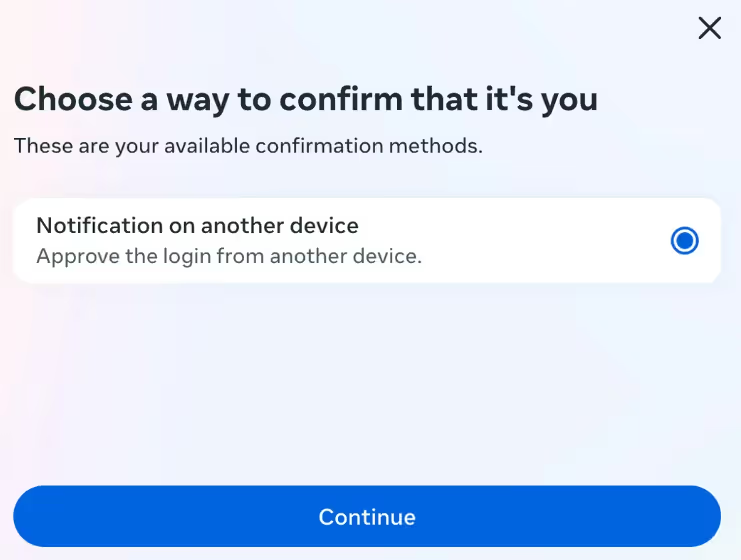
Facebook will usually choose a trusted device that you use regularly and recently. It’s unlikely that they’ll ask you to confirm a random tablet you logged in on once in 2019!
If you can’t complete this step for whatever reason, then it’s likely that Facebook will ask for ID verification instead.
Facebook may request a government ID to continue. This usually appears when your Facebook account locked confirm identity checks have failed, and the system needs extra proof.
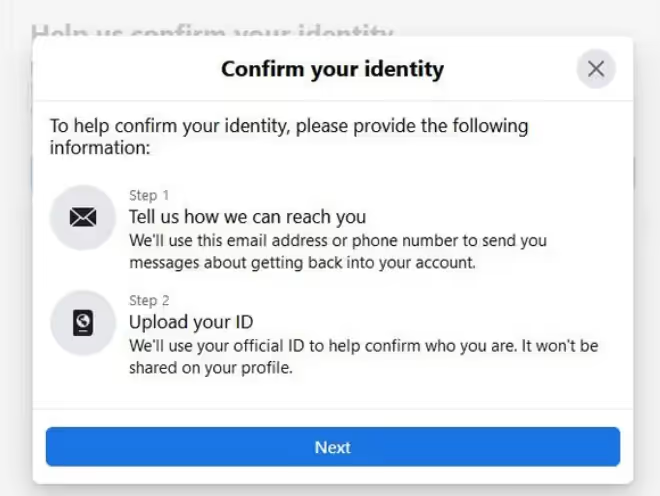
This bit can be tricky, as you’ll need to make sure it’s a high-quality photo of your ID. Here are a few tips to follow to improve your chances of success the first time.
1. Bright and even lighting - Don’t use a lamp from the side or take it into a dark room. Soft daylight or a bright overhead light is best.
2. Name, photo, and date of birth need to be visible - If even one detail is blurry, the system might fail it.
3. Zero glare - IDs are glossy, so move them around until there’s no reflection.
4. No shadows or blur - Especially across the photo and text.
5. Use your phone, not your laptop - Mobile cameras handle close-ups better and Facebook accepts mobile uploads more reliably.
You’re only allowed up to three attempts per day, so try to make sure you take the best and clearest photo you can. If it fails continually, then Facebook might ask for a video ID instead.
Some users are asked to record a selfie video holding a code or ID, and moving their head. Facebook is very fussy about video quality, so make sure it is clear, well-lit, and that you’re not too far away from the camera.
If the video is rejected, you can usually request a new code and record it again with better lighting and visibility. If the selfie camera on your phone isn't good, try the front one instead.
If you’re still having problems, keep an eye on your account, as Facebook sometimes releases additional recovery options days later, including the following.
If all else fails, give this option a go. According to many users, Facebook account recovery support is inconsistent. Sometimes it’s great, other times not so much, but it’s worth checking if you still can’t log in.
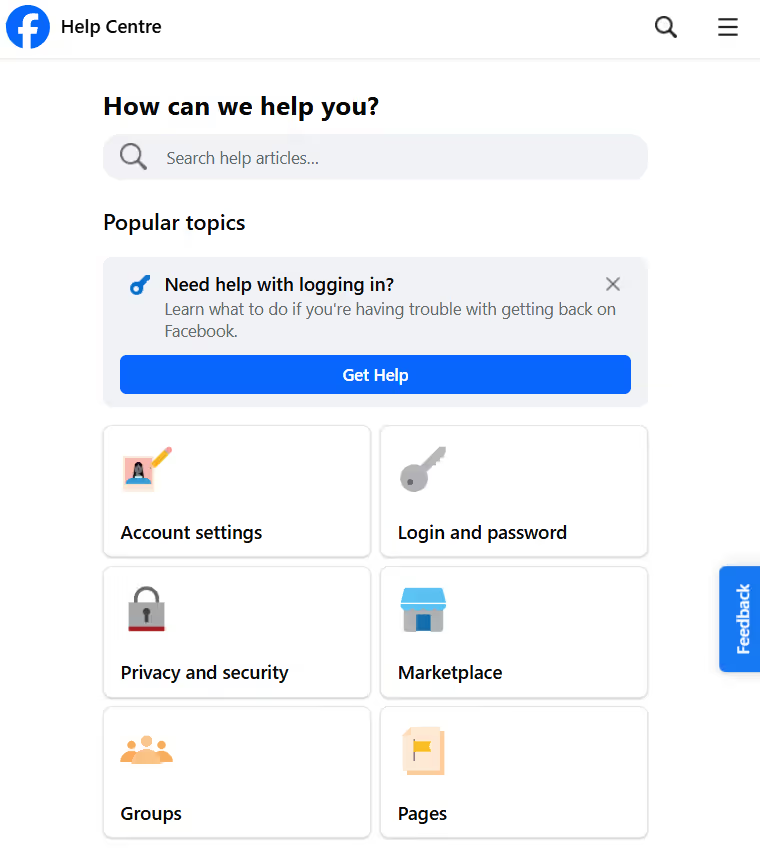
Head over to https://www.facebook.com/help and click through the account recovery options.
If you manage to get through to someone in a chat window, which can take a bit of time, they’ll often agree to do a manual ID review.
If you do get in using this method, then Facebook might ask you to create a new password, so go ahead and do this. Remember to pick a strong one that isn’t easily worked out by others.
After this, they might ask you to review recent logins, just to check that nothing is amiss. Sometimes they’ll ask you to update your recovery email and phone number, too.
Once this is done, it should redirect you back to your profile and you can continue as normal.
If you’ve tried all the steps above and are wondering, ‘Why on earth can’t I unlock my Facebook account?’, then you’re probably ready to throw your phone out the window by now!
Resist the urge, as there are a few other things you can try.
Sometimes Facebook’s login session just gets stuck.
Look through your drawers for an old phone or tablet, as a familiar device might be trusted more by Facebook.
Avoid:
Try:
This is the hardest one, but can be effective, as Facebook’s security system resets itself on a timer. A cooldown period might open doors that weren’t available before.
Even if you’re not sure if your account has been hacked, try this as it forces Facebook to treat your case as a higher priority. It’s different from the regular “I can’t log in” flow and unlocks different tools on their side.
Reason Facebook Locked Your Account
What It Means
What to Do
New location or country login
Facebook detected a login from an unfamiliar place
Complete location or device verification
VPN or proxy detected
Your IP address appeared masked or suspicious
Turn off VPN and log in from a clean network
Too many wrong passwords or codes
Multiple failed login attempts triggered a security lock
Wait 24 hours, then request a new code
Public or shared WiFi use
The network has been flagged before
Switch to mobile data or home WiFi
Unusual activity on account
Actions resembled hacked account behavior
Follow identity or ID verification steps
Account details recently changed
Email, phone, or password changed suddenly
Use Facebook’s official recovery tool
If a hacker managed to get in and change your email, phone number, and recovery backup details, then you’ll have to follow the “compromised account” path.
Navigate to this page: https://www.facebook.com/hacked and click “Next”.
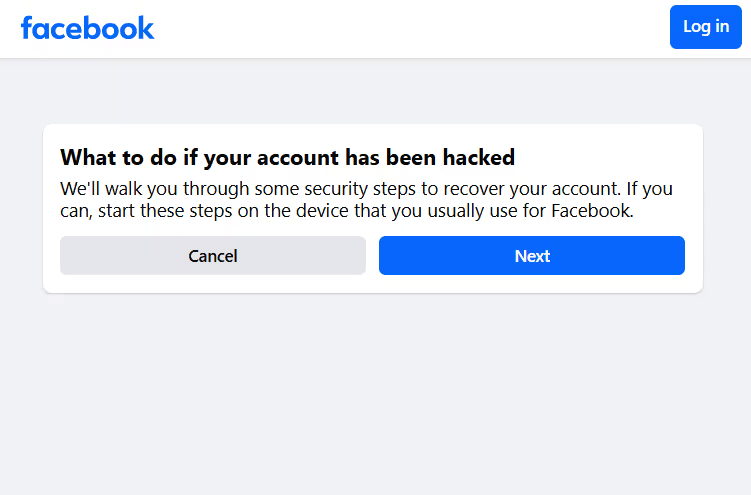
You’ll be taken through a series of questions to locate your account and you’ll be passed on to a support agent to take you through your options. You’ll most likely have to complete a live ID check and answer other security questions.
If you’ve followed every step above and your Facebook account is still locked, don’t worry, you don’t have to start over or sit and wait.
Resetting from scratch might work for personal profiles, but if you rely on Facebook for your business, income, audience, or brand presence, losing access can be costly.
That’s where a social media recovery service like ours comes in.
At Social Rescue, we specialize in professional social media account recovery, including locked, hacked, disabled, and compromised Facebook accounts.
Our team has deep experience with Meta’s verification processes and knows the paths, escalation routes, and documentation strategies that most users never find on their own.
We handle urgent cases efficiently and with full confidentiality, so you can stay focused on your business while we do the heavy lifting.
With our rapid response service, you’ll get:
👉 Ready to recover your Facebook account? Contact us to speak with one of our experts today.
Facebook locks accounts when it detects unusual activity, such as logging in from a new location, using a VPN, entering incorrect passwords too many times, or activity that looks similar to hacked accounts. A locked account is usually a temporary security measure, not a permanent ban.
When your Facebook profile is locked, you can’t log in until your identity is verified. Facebook may temporarily restrict your profile and ask you to confirm your identity using a code, trusted device, ID upload, or selfie video before restoring access.
Facebook does not provide a public phone number for account recovery. Support is handled through automated tools in the Help Center, such as the account recovery flow, Support Inbox, or hacked account forms. Live chat is limited and not available to all users.
Most people get back in within a few hours once they follow the correct steps. Some take a day or two if the system needs more verification. The longer cases usually happen when:
Even in those situations, people often succeed after spacing out attempts and using the right verification methods.
There are a few common reasons:
The fix is usually simple and involves checking spam, checking blocked messages, restarting your phone, switching from SMS to email (or vice versa), or waiting 24 hours if you’ve requested too many.
This is common and usually comes down to the photo, not the ID itself. To increase your chances, use bright and even lighting. Remove shadows and glare and make sure your name, photo, and date of birth are crystal clear. Use your phone camera rather than a laptop camera, and upload no more than three times per day.
If you rely on Facebook for your income or business, it’s best to get help when you’ve tried the main recovery steps correctly and waited 24 to 72 hours between attempts. Sometimes you might get stuck in a recovery method that keeps looping, too.
If it’s been more than 5 to 7 days without progress toward recovering your account, then it’s time to call in the pros.
.avif)



.avif)


.png)
.png)
.png)