If you’re a regular Instagram user, whether posting personally or as part of a side hustle or full-time business, chances are you’ve seen this happen to someone you know. Their account is in good standing one day. The next day, it’s phishing DMs or sending messages promoting crypto links or just being locked down altogether.
The unpleasant reality is that Instagram scams are becoming more sophisticated. Spammers have outdated spam messages. They use more realistic emails, fake meta support pages and hard-to-spot copyright warnings that even experienced users would find convincing. That’s why account security is now a real concern.
This article explains Instagram safety tips that work in real life. You’ll learn how the scams work, how Instagram’s built-in defenses can protect you, and what experienced creators and businesses are doing to ensure their accounts stay safe, even without making things too complicated.
It’s too easy for many users to believe that hacks are something that happen only to carelessly managed accounts. In fact, the most attacked profiles include working creators and small businesses.
A popular one starts with a message saying that your content has violated policy. It’s an official-looking link, but it takes readers to a false login page. As soon as you sign on, attackers assume control. Another emerging technique is sponsored by offers, which contain malicious files or phony contracts.
Cybersecurity researchers consistently point out that social engineering, not technical hacking, is the main cause of account takeovers. This highlights that user awareness is just as important as strong passwords. Data from Federal Trade Commission reports on social media scams shows that account takeovers and impersonation fraud continue to rise, especially among creators and small businesses.
Instagram does provide robust protections, but lots of users never fully enable them. Fundamental Instagram safety functionalities are login alerts, device tracking, suspicious activity checks and identity verification when a user does something that's not usual.
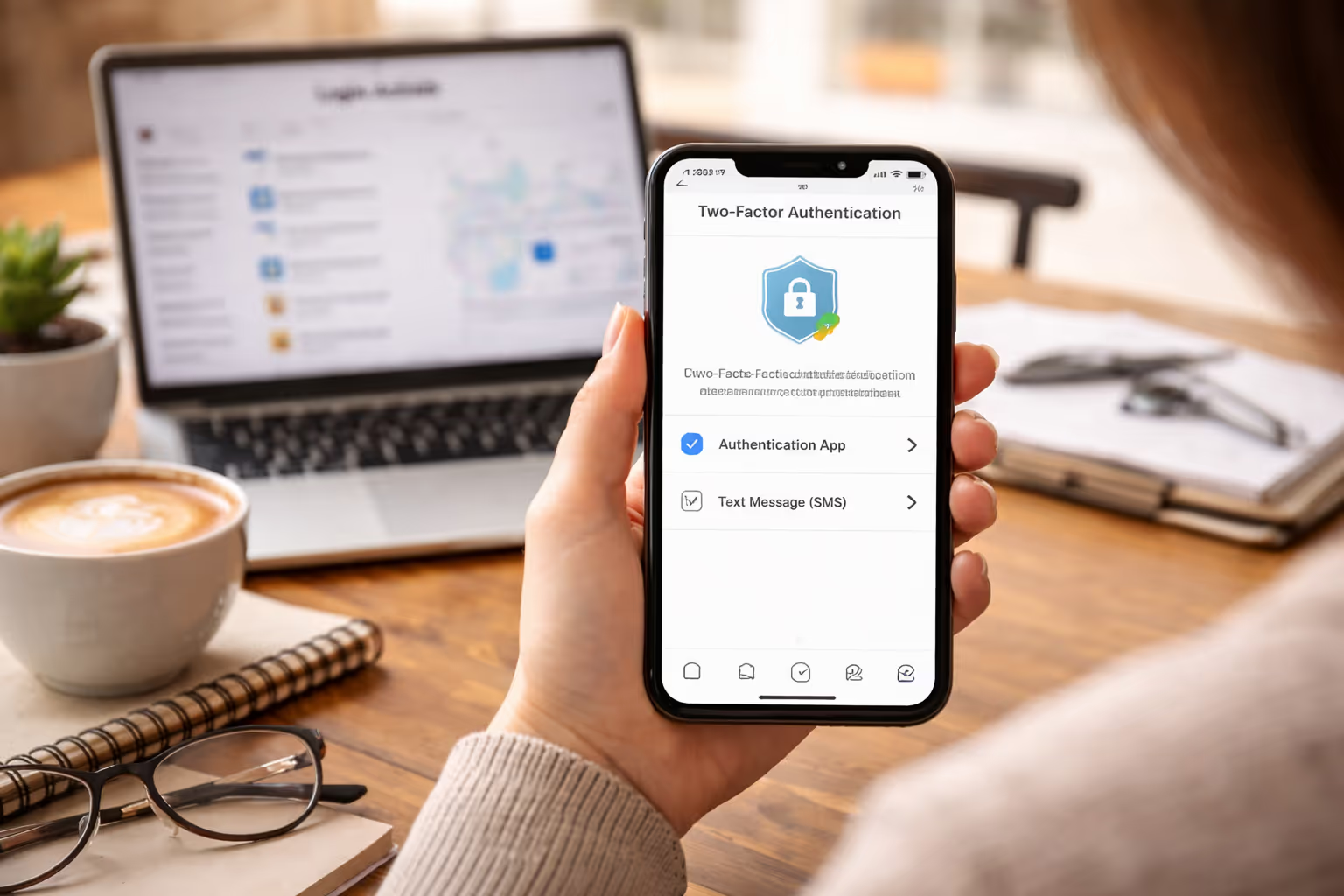
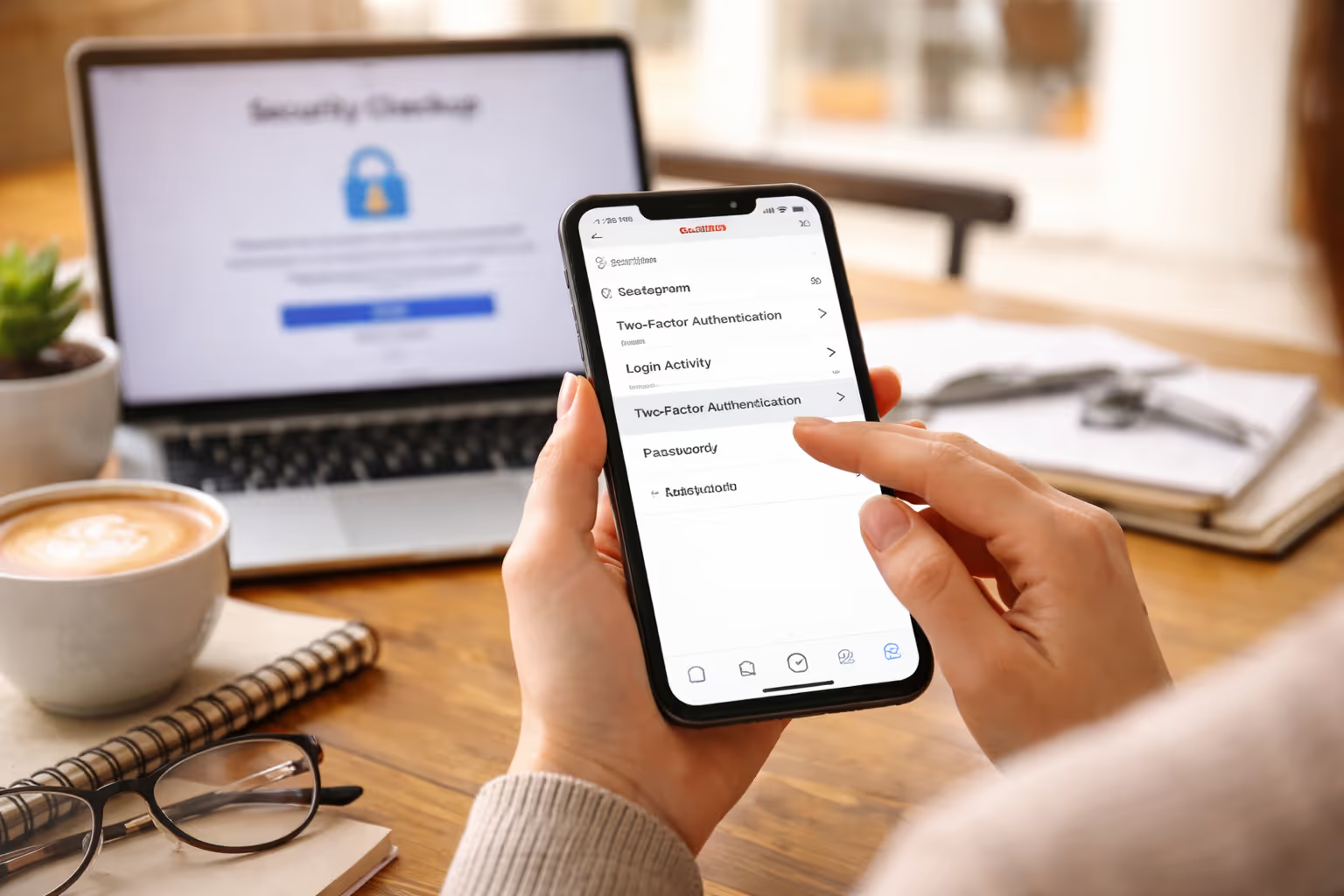
Security experts suggest you enable two-factor authentication with an authenticator app, not SMS. This one step prevents the vast majority of takeover attempts. You should also regularly check your login activity and unregister any devices you don’t recognize.
And these options aren’t just for business or high-level enterprise accounts; they are a must-have for every single user on Instagram.
According to Instagram’s official security guidance, enabling two-factor authentication and monitoring login activity are among the most effective ways to prevent unauthorized access.
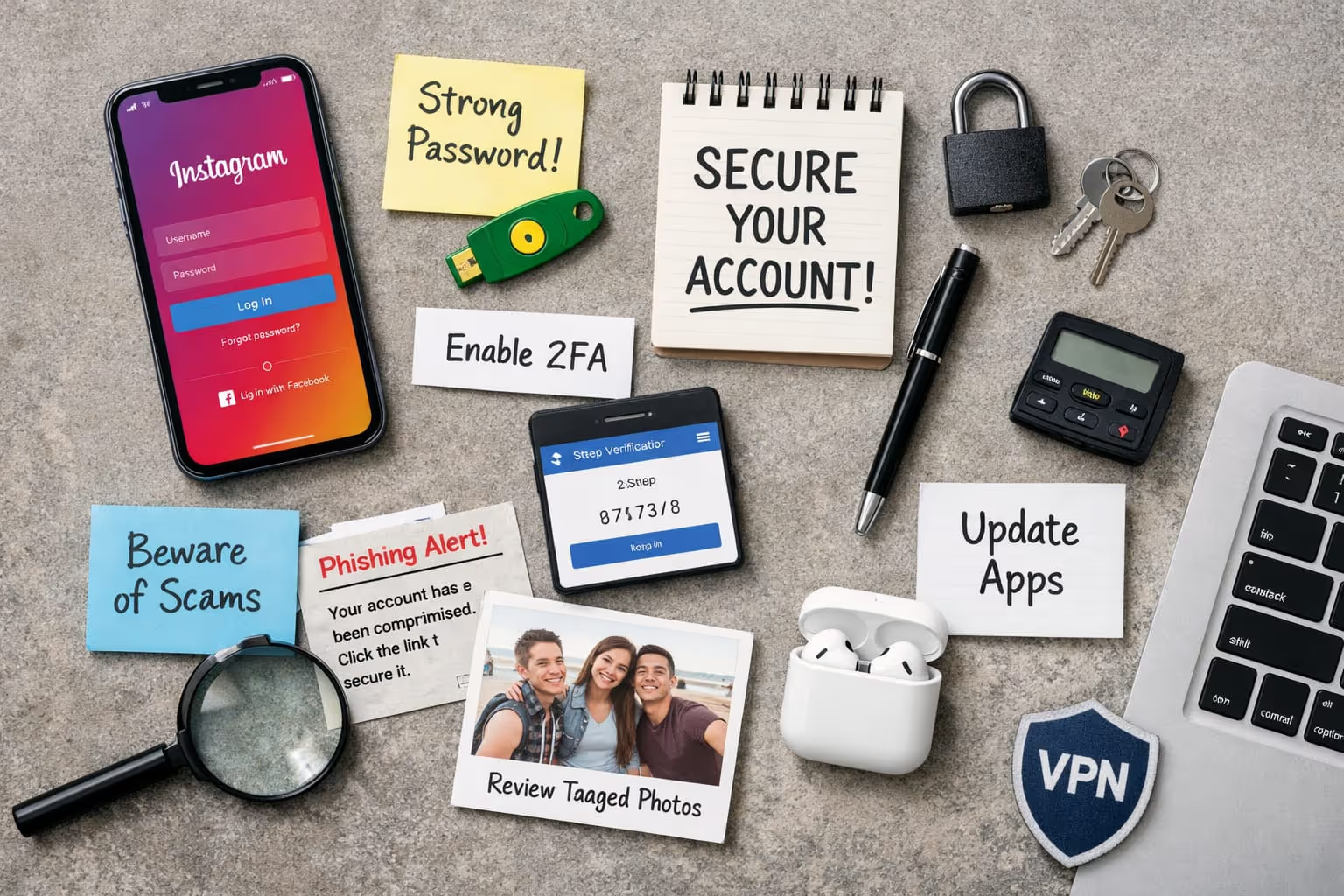
The patterns are so consistent across the dozens of hacked-account cases we’ve seen that it seems like a new kind of cyber threat is spreading. These Instagram account security tips are basic, but they are strong:
Instead of sharing login credentials, team leads who manage creators should be careful about assigning roles. One back door can mean the end of everything.
Social media managers and recovery experts generally abide by some unwritten rules. A core Instagram security tip principle is moving slowly. Fraudsters use the urgency: “act now or lose your account.”
Another habit is separating devices. There are many individuals who would not want to log in to their Instagram account on a public or shared computer. They also retain backups of content and proof of account ownership when recovery is required.
Many professionals also rely on trusted social media support services to audit access permissions, monitor unusual behavior, and reduce the risk of repeat account compromises.
The following practices don’t require a ton of time, none more than a couple of minutes or so, really, but they can mitigate any type of risk pretty effectively.
If your account is compromised, don’t panic, but don’t wait either. First, secure your email account and change its password. Then start Instagram’s in-app recovery process as soon as possible.
For users who lose full access, professional account recovery services can help navigate verification steps that are often confusing or time-sensitive. Services like Instagram account recovery specialize in restoring compromised accounts, especially for creators and businesses.
If you manage multiple platforms, Social media account recovery services can also help prevent repeat incidents across accounts.
Yes. You can greatly minimize this threat by creating a strong, unique password, using two-factor authentication to secure your account and not clicking on suspicious links or login requests.
Enable two-factor authentication, monitor login activity regularly, restrict third-party app access and never share verification codes via messages or emails.
Immediately block and report the account, don’t engage with sketchy messages and let your followers know in case a scammer is impersonating you.
Just responding doesn’t typically provide them with your personal information, but it can put you on their radar. The actual danger begins when you click links, share codes or download anything they send you.
Common symptoms include a surprise password change (that is not your doing), “login” alerts originating from foreign locations, unwanted posts and messages sent from your account and an inability to log in.
Instagram scams have gotten so sophisticated that even the most seasoned users can be tricked. But you don’t need to be paranoid about them; with a few simple steps, and they’re easy ones, you’ll never fall for them again. A handful of intelligent habits, plus the platform’s own built-in tool set up, will help enormously.
Take security seriously now, and you’ll be far less likely to face recovery issues later. And if things do go wrong, the right support can help make all the difference.
.avif)



.avif)


.avif)
.png)
.png)
.png)