Your TikTok username isn’t just a handle; you’re building your brand on TikTok. Many creators hold back because they’re afraid of losing engagement, confusing followers, or hampering discoverability. You may be wondering how to change your TikTok username without losing your reach.
Whether this is a case of rebranding, fixing a spelling mistake in your name, or making sure that your username matches your niche, this guide will help you change tiktok username safely. In this article, we'll also cover questions like how do I change my username on tiktok, and how can I change my tiktok username without losing my growth.
Your TikTok username affects:
As stated in TikTok’s official Help Center, usernames are unique and changeable every 30 days. That limitation, by itself, demonstrates the value that the platform places on identity stability.
From experience working with content creators and reviewing social media audits show that big changes to the username right away without prep can temporarily decrease profile visits because old links, tagged posts and saved content might still refer to the former handle.
Before discussing how to change tiktok username, let’s discuss the correct strategy.
Here’s the exact process:
These steps explain the technical side of how to change my TikTok username, but the strategy was less about steps and more about the thought process.
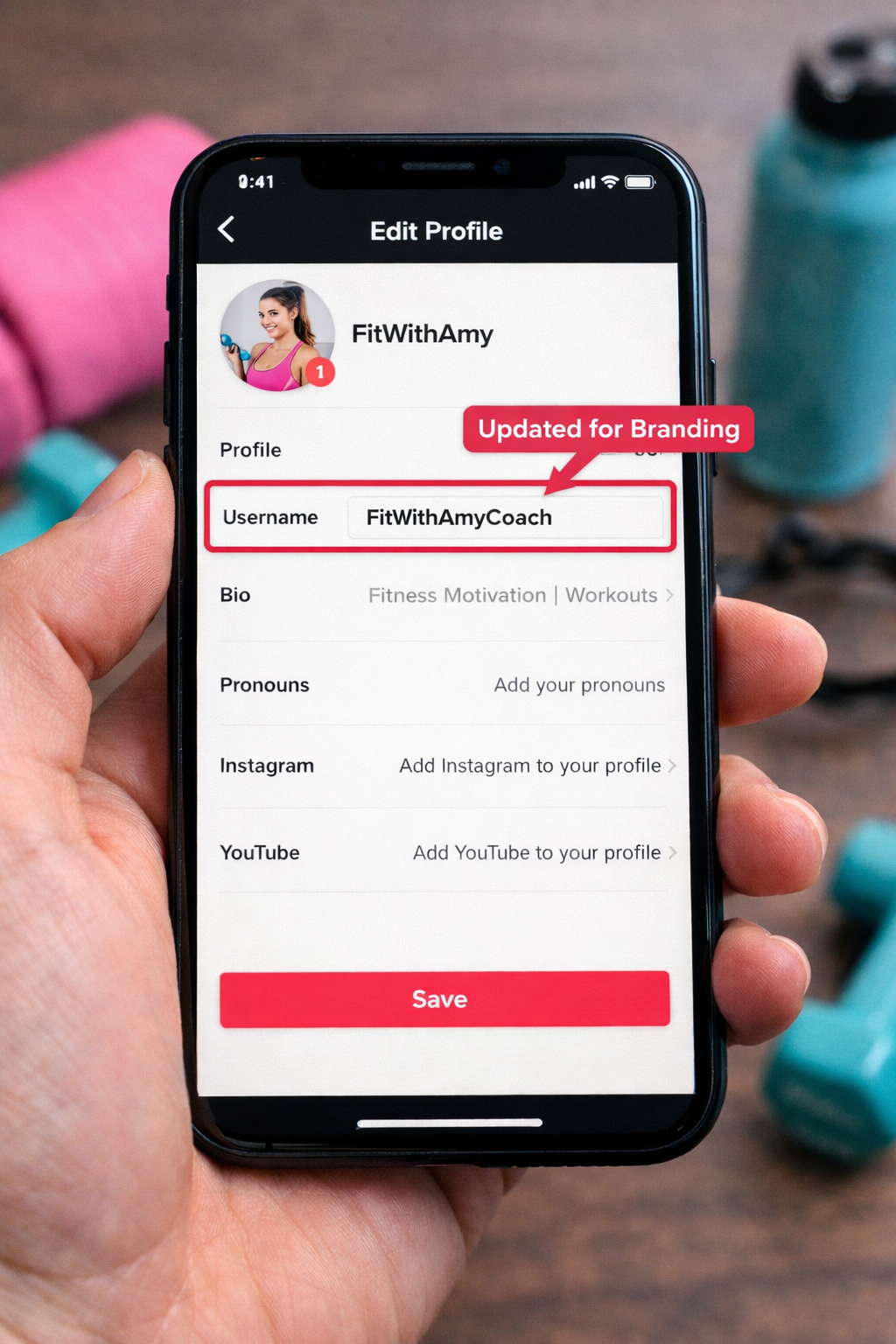
If you don’t know how to change my tiktok username without harming growth, follow these best practices:
Make a post or video announcing the change to followers. Pin it for a few days. This avoids confusion and maintains engagement levels.
Check:
Slight changes are more successful than overhauling. Employ niche keywords in your username (if possible). TikTok search discoverability is expanding quickly. TikTok is evolving into a discovery engine, rapidly becoming the preferred search engine for Gen Z users.
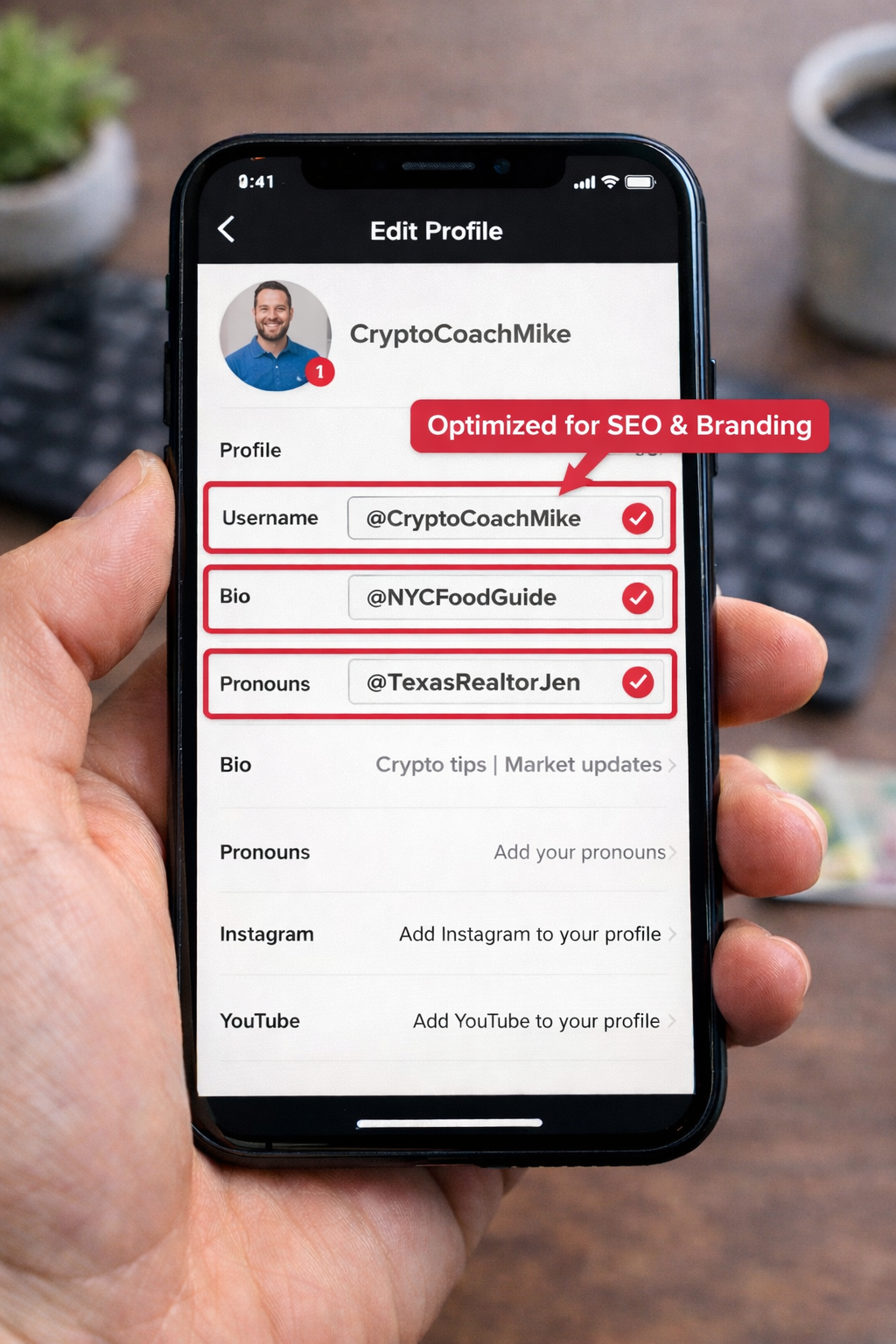
You might want to modify it if:
Username consistency among platforms is crucial if verification is your end goal. Conflicting branding can delay the approval process.
Read this complete guide to TikTok verification, including what makes approval more likely
Short answer. no, not directly.
TikTok’s algorithm focuses primarily on:
It does not punish users for merely changing a username.
However, indirect effects can happen:
And that reason is that planning is key while changing your TikTok username.
When you change your handle, your previous username could eventually be available to other twisters. If this has brand value, they need to keep an eye on it.
If someone else has claimed your brand name, you may want to seek the help of a TikTok username claim service to reclaim or take preventive action against your identity.
Avoid these mistakes while learning how to change tiktok username:
Frequent changes reduce trust signals. Consistency builds authority.
You can update your TikTok username only once in every 30 days. TikTok uses this rule to keep account operations stable and prevent user impersonation-related problems.
No, you don’t just lose followers like that. But unless you communicate the change, confusion or broken links can temporarily hamper visits to your profile.
It can. Having the same info across platforms reinforces your verification profile. If your aim is verification, then the first step should be of a username in alignment with your brand identity.
Once the username changes, old profile links will no longer work. You need to change links on the websites, social media, and email signatures.
Yes, when you release it, someone else can take it. If it’s brand-critical, watch it closely or get help to recover the username.
So now that you know exactly how to change tiktok username without jeopardizing your reach. It’s not just the technical steps that matter but also the strategic timing, communication, and SEO alignment.
If you have been asking yourself how to safely change a username on TikTok, the key is in preparation. Let your audience know, fix up your links accordingly and make sure you are staying on brand.
If done with care, a username change can actually boost your presence instead of weakening it.
.avif)



.avif)


.png)
.png)
.png)
.png)